Test Web Copy Fast Using Mida.so
Most websites don’t have a traffic problem. They have a conversion problem. Visitors arrive, scan the page, and leave before you capture their email, book a demo, or complete a sale. If your landing page copy relies on guesswork, you&...

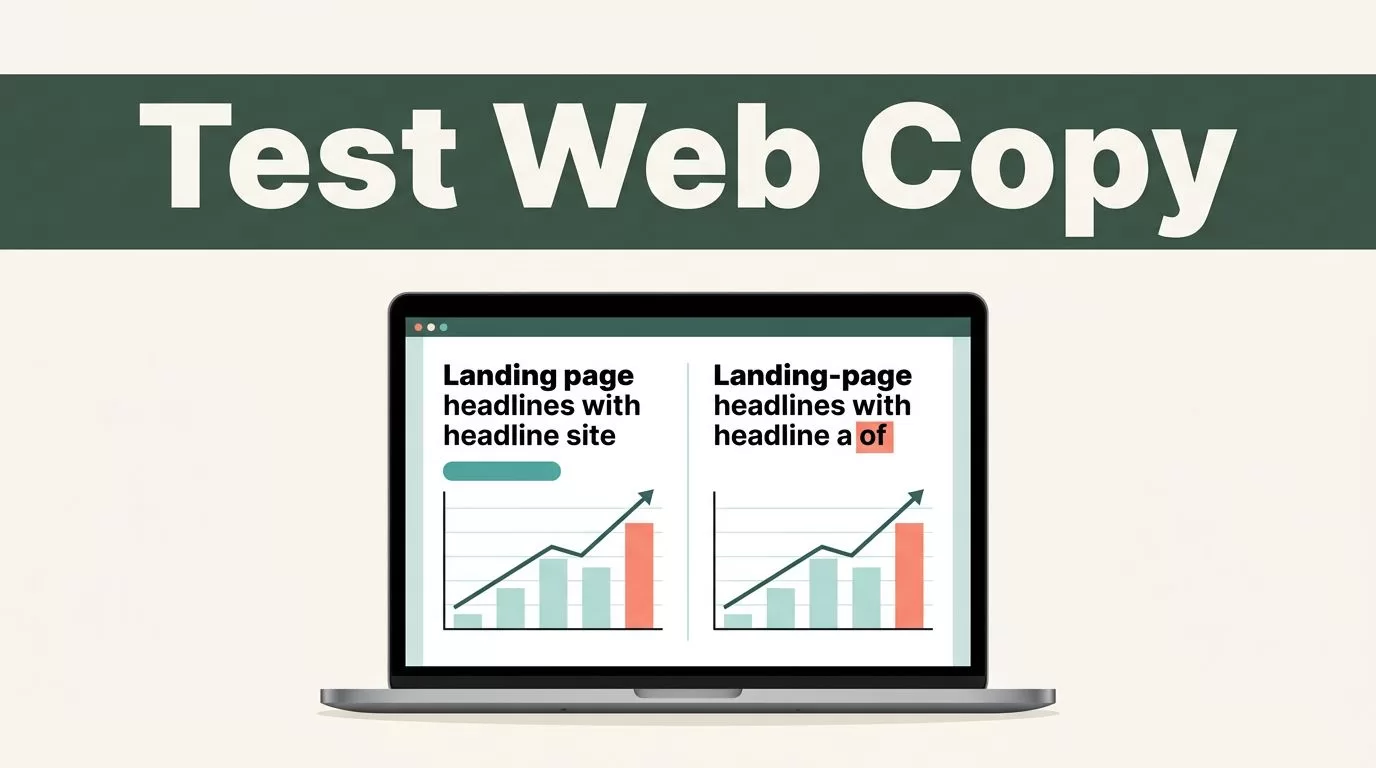
Most websites don’t have a traffic problem. They have a conversion problem. Visitors arrive, scan the page, and leave before you capture their email, book a demo, or complete a sale. If your landing page copy relies on guesswork, you’re leaving growth on the table.
Mida.so gives growth marketers and CRO specialists a practical workflow for web copy testing without writing custom code. You can edit headlines, modify calls to action, and deploy experiments in minutes. Speed matters, but disciplined execution matters more.
Key Takeaways
- Use Mida.so to test website copy variations and measure their exact impact on conversion outcomes.
- Formulate one clear hypothesis per experiment before changing any live text.
- Connect your analytics platform or event tracker before judging experiment results.
- Protect your page performance and Core Web Vitals while running client-side copy tests.
Build Testable Hypotheses Around Buyer Friction
A strong test starts with a specific problem. Changing a headline because you dislike the current font color is not a valid strategy. You need to review support tickets, session recordings, and form abandonment data to find where visitors hesitate.
Formulate your test using a direct structure. State the observed problem, the exact copy change you want to make, and the metric you expect to improve.
If visitors reach your pricing page but fail to request a demo, adding a clearer benefit-driven subhead above the form should increase completed submissions. Keep each variation focused on a single change. If you rewrite the headline, swap the subhead, and redesign the button all at once, you won’t know which element caused the conversion shift.
A test result is evidence from a defined audience and time period. It isn’t a permanent guarantee of future performance.
Setting Up Your First Copy Test

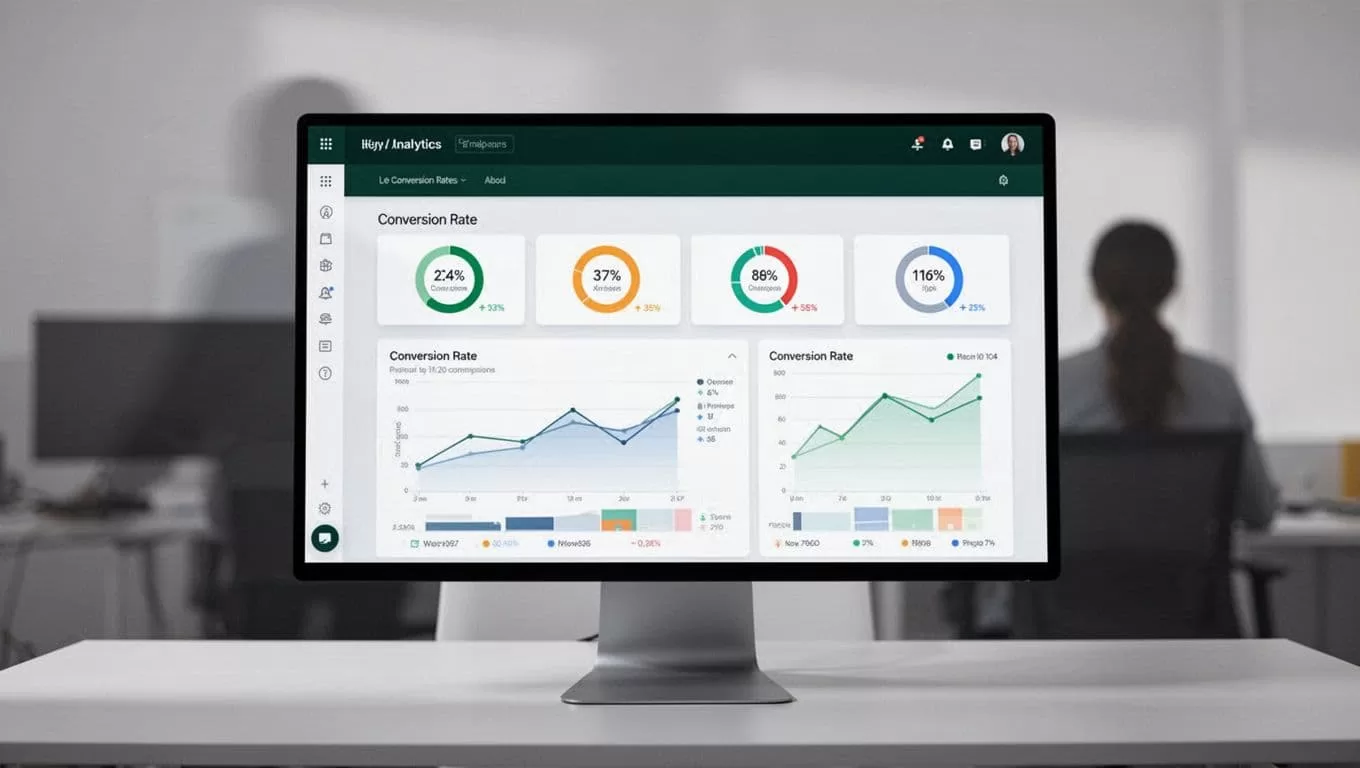
Log into your Mida.so workspace and select the target URL you want to optimize. Create your control version first so you have a clean baseline. The control represents the existing live page receiving standard traffic.
Open the visual editor and modify your target text element. You can edit headlines, change button copy, or adjust value propositions directly on the page layout. Set your traffic allocation rules before launching the experiment. A standard fifty-fifty split works well for simple A/B tests with stable visitor volume.
Target your audience precisely based on the hypothesis. You can limit the experiment to paid traffic campaigns, mobile visitors, or users landing on a specific product page. Avoid targeting every visitor by default if your hypothesis only applies to a specific segment. For a broader perspective on selecting testing tools and platform capabilities, check this comparison of A/B testing tools and multivariate testing software.
Monitor Mida.so Data Without Chasing Short-Term Fluctuations
Open your experiment report and inspect incoming metrics in a fixed order. Check the traffic split first to confirm visitors distribute evenly across your variations. Small discrepancies happen, but large gaps point to tracking issues or broken targeting rules.
Review total exposures and conversion volume next. A page with twelve visitors and three conversions shows an artificial spike that has no statistical reliability. Wait until you collect enough observations before drawing conclusions.
Keep an eye on secondary metrics and guardrail indicators. A new headline might increase click rates while dropping lead quality downstream. You can review additional landing page split testing tips to refine how you evaluate secondary outcomes.
Read Results With Business Context
A winning percentage on a dashboard doesn’t automatically mean you should push the change live. Compare your control and variant under identical traffic conditions. Check whether the winning trend holds steady across mobile devices, desktop browsers, and organic search sources.
Examine absolute numbers alongside percentage lifts. A tiny conversion increase on low traffic won’t justify the ongoing maintenance of a customized page variation. If you run ecommerce pages, track average order value and revenue per visitor rather than button clicks alone. You can also explore broader conversion rate optimization tools to cross-reference your findings against other analytics systems.
Store each experiment record with its hypothesis, traffic allocation, and final decision. If the test wins, deploy the winning copy permanently. If it loses, document what the result rules out so your team doesn’t repeat the same mistake next quarter.
Conclusion
Web copy testing works when you treat messaging changes as a disciplined operating process. Use Mida.so to deploy focused variations quickly while protecting your site speed and tracking integrity.
Start with one high-intent page and a single clear hypothesis. Measure your baseline, run the experiment until you reach a reliable sample size, and tie your final decision to actual revenue quality.

