Deploy VRBO Automation Tools with Twin.so
Every VRBO booking creates work after the guest clicks reserve. Dates must reach the cleaner, arrival instructions need the right timing, and exceptions must reach someone who can act. With the right VRBO automation tools, Twin.so can turn...

Every VRBO booking creates work after the guest clicks reserve. Dates must reach the cleaner, arrival instructions need the right timing, and exceptions must reach someone who can act.
With the right VRBO automation tools, Twin.so can turn those handoffs into scheduled or event-driven agents. Twin combines API connections, browser automation, and code execution, so you can connect the systems you already use instead of forcing every task into one application.
The practical approach is controlled deployment. Start with one workflow, define its limits, test every action, and add approval before the agent changes bookings or sends sensitive guest information.
What Twin.so adds to a VRBO operation
Twin.so is an AI agent builder for business workflows. You describe the outcome in plain language, connect the required tools, and configure an agent to run on a schedule, webhook, or event.
That model fits vacation rental operations because the work crosses several systems. A reservation may begin in a booking platform, move into a property management system, create a task in a spreadsheet, and trigger a message through email or SMS.
Twin can help coordinate those steps. For example, an agent can read a new reservation, check whether the property and dates are complete, write the record to Google Sheets or Supabase, and notify an operations channel when a required field is missing.
Twin’s integration examples include Google Sheets, Google Docs, HubSpot, Microsoft 365, Supabase, Twilio, and Odoo. Check the exact connector and available permissions before building. Broad app coverage doesn’t prove that the specific action you need is available for your account.
Property managers evaluating the wider category can also review vacation rental automation features to compare common workflows such as guest messaging, task assignment, and property operations.
The main limitation is important. Don’t assume Twin has a native, approved VRBO connection for every workflow. API access, messaging permissions, account scopes, and platform interfaces can change. Use an approved property management system or channel manager as your source of truth when possible.
How VRBO automation tools fit with Twin.so
Reliable VRBO automation tools need four parts: a trigger, clean data, an action plan, and an exception path.
The trigger starts the agent. It could be a new reservation event, a webhook from another system, or a scheduled check that runs every hour.
The data layer provides the reservation details. Typical fields include property ID, guest name, check-in date, check-out date, number of guests, payment status, cleaning status, and message status.
The agent then applies your operating rules. It checks dates, identifies missing information, creates tasks, updates records, or prepares a message.
The exception path decides what happens when the data is incomplete. The agent should stop, record the issue, and notify a person. It shouldn’t guess a guest’s arrival date or send a door code because one field looks close enough.
Write the workflow in plain language before you open Twin. Define:
- What starts the workflow.
- Which system contains the authoritative data.
- What the agent may read and change.
- Which actions require approval.
- Where the agent records errors and completed work.
This structure keeps VRBO automation tools focused on operational handoffs instead of turning one agent into an untested assistant with access to everything.
Deploy your first Twin.so agent in five steps
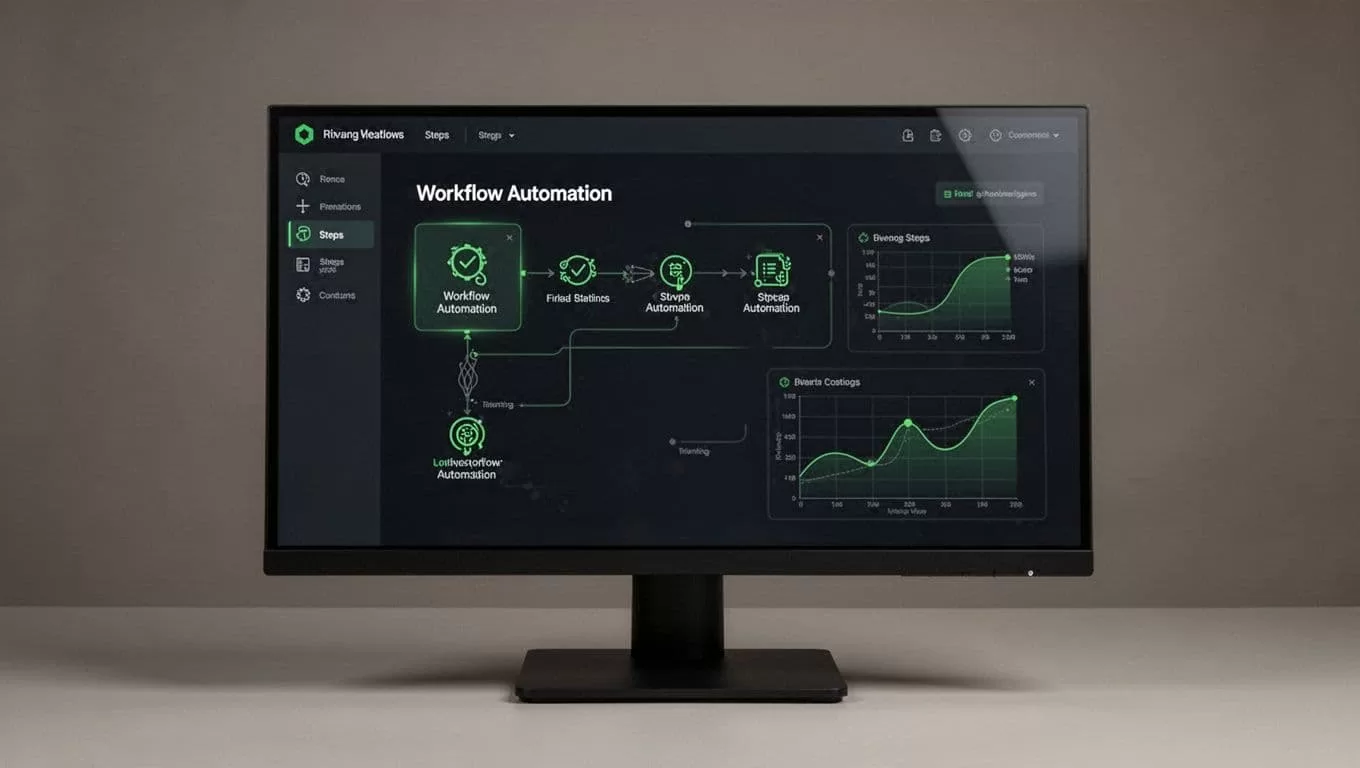
1. Choose one repetitive workflow
Start with a task that happens often and has clear inputs. New-booking intake is a strong first candidate because the expected output is easy to check.
Avoid starting with refunds, cancellations, pricing changes, or guest-facing messages. Those actions can create financial or service problems when the agent misreads a field.
Write the outcome in one sentence: “When a confirmed reservation appears, create the property task, update the operations record, and flag missing information.”
2. Map the required fields
List every field the agent needs before it can act. Use the field names from your actual systems.
For booking intake, you may need the reservation ID, property name, check-in and check-out dates, guest count, payment status, cleaner assignment, and source link.
Add a rule for each missing field. If the reservation lacks a payment status, the agent should create an exception. It shouldn’t mark the booking as ready.
3. Connect accounts with limited permissions
Connect only the applications required for the first workflow. Use OAuth when available, and create a separate operations account if your system supports it.
Give the agent read access first. Add write access after the read-only test returns the correct records.
Keep credentials out of prompts, spreadsheets, and task descriptions. Store them in the platform’s approved connection settings. Remove access when a workflow is retired.
4. Describe the agent’s rules
Your instructions should specify the order of operations and the conditions for stopping.
Tell the agent to process one reservation at a time, use the reservation ID as the unique key, and avoid creating a duplicate task when the workflow runs again.
Define the output as well. A useful result includes the reservation ID, actions completed, fields that failed validation, and the next owner for unresolved issues.
Twin can use APIs when they are available and browser automation when a required system lacks an API. State which method the agent should use for each application when the distinction matters.
5. Test with real-looking data
Run the agent against a small set of completed reservations before connecting live triggers. Include normal records, missing fields, changed dates, duplicate events, and cancelled bookings.
Compare every result with a manual version of the process. Check task names, dates, property assignments, links, and notifications.
Then run the agent in review mode. Let it prepare changes without publishing them. Move to automatic writes only after the output is consistent across several runs.
Automate VRBO portals without assuming an API
Twin’s browser agent can navigate websites, click controls, type into fields, and read page content. That makes it useful when a portal has no API or when the available API scope doesn’t cover the required operation.
Browser automation also creates more failure points. A button can move. A login challenge can appear. A page can load partially. A portal can change its rules or interface without warning.

Use browser-based VRBO automation tools with a narrow task definition:
- Log in through an approved account with the minimum permissions.
- Navigate to one known page and verify the property or reservation ID.
- Read the required values before changing anything.
- Stop when the page layout, account state, or record doesn’t match expectations.
- Save the result and send an exception alert for human review.
Don’t use browser automation to bypass access controls, rate limits, CAPTCHA checks, or platform restrictions. Verify current VRBO terms, API availability, and automation requirements before deployment.
Put an approval gate before any action that changes a booking, sends a guest-facing message, issues money, or exposes access information.
Four workflows worth deploying first
Once the intake agent works, add workflows that remove clear handoff delays.
Booking intake and validation can check each new reservation, normalize dates, update your property record, and create a task for the correct property team. The agent can flag missing payment information, inconsistent guest counts, or duplicate reservation IDs.
Pre-arrival preparation can run at a defined interval before check-in. It checks whether cleaning is complete, whether arrival instructions are ready, and whether required property details are present. The agent can draft a guest message or send it through an approved channel after review.
Turnover coordination can start after checkout. It creates a cleaning task, includes the correct property and deadline, and records completion. If the cleaner reports damage or missing supplies, the agent routes the issue instead of marking the property ready.
Daily exception reporting can scan your connected records for failed tasks, incomplete fields, overdue cleaning work, duplicate entries, and messages waiting for approval. Send one compact report to the operations owner instead of generating a separate alert for every minor event.
A current vacation rental automation tools comparison can help you identify adjacent tools for cleaning, messaging, and property management. Twin is most useful when your process crosses those tools and needs custom decision rules.
Measure failures before adding more agents
Track operational results, not the number of agents you create. Start with four measurements:
- Time between a new booking and the created operations task.
- Percentage of reservations processed without manual re-entry.
- Exception rate by workflow.
- Duplicate or incorrect actions found during review.
Keep a small audit record for every run. Store the trigger time, reservation ID, actions taken, final status, and error message. Screenshots or page captures can help with browser failures, but use them only when your privacy and retention rules allow it.
Review failed runs weekly. Classify each failure as bad input, missing permission, changed interface, unclear instruction, duplicate event, or external system outage. Fix the cause before increasing the schedule or adding more properties.
Your first production version should remain narrow. Expand access only when the agent handles normal cases, rejects unsafe cases, and gives your team enough information to resolve exceptions quickly.
Conclusion
Twin.so can coordinate the work around VRBO reservations when you give it clear inputs, limited permissions, and specific stopping rules. Use APIs where they are available, browser automation only where permitted, and human approval for sensitive actions.
Start with booking intake. Test it against real operating conditions, measure its failures, and then add pre-arrival, turnover, and exception workflows. The strongest VRBO automation tools don’t remove operational control. They move repetitive handoffs out of the queue while keeping important decisions with your team.
