Deploy eBay Automation Tools With Twin.so
Manual eBay operations break down when product counts, order volume, and pricing changes move faster than your team. eBay automation tools can update stock, manage listings, flag pricing changes, and prepare reports without forcing operator...
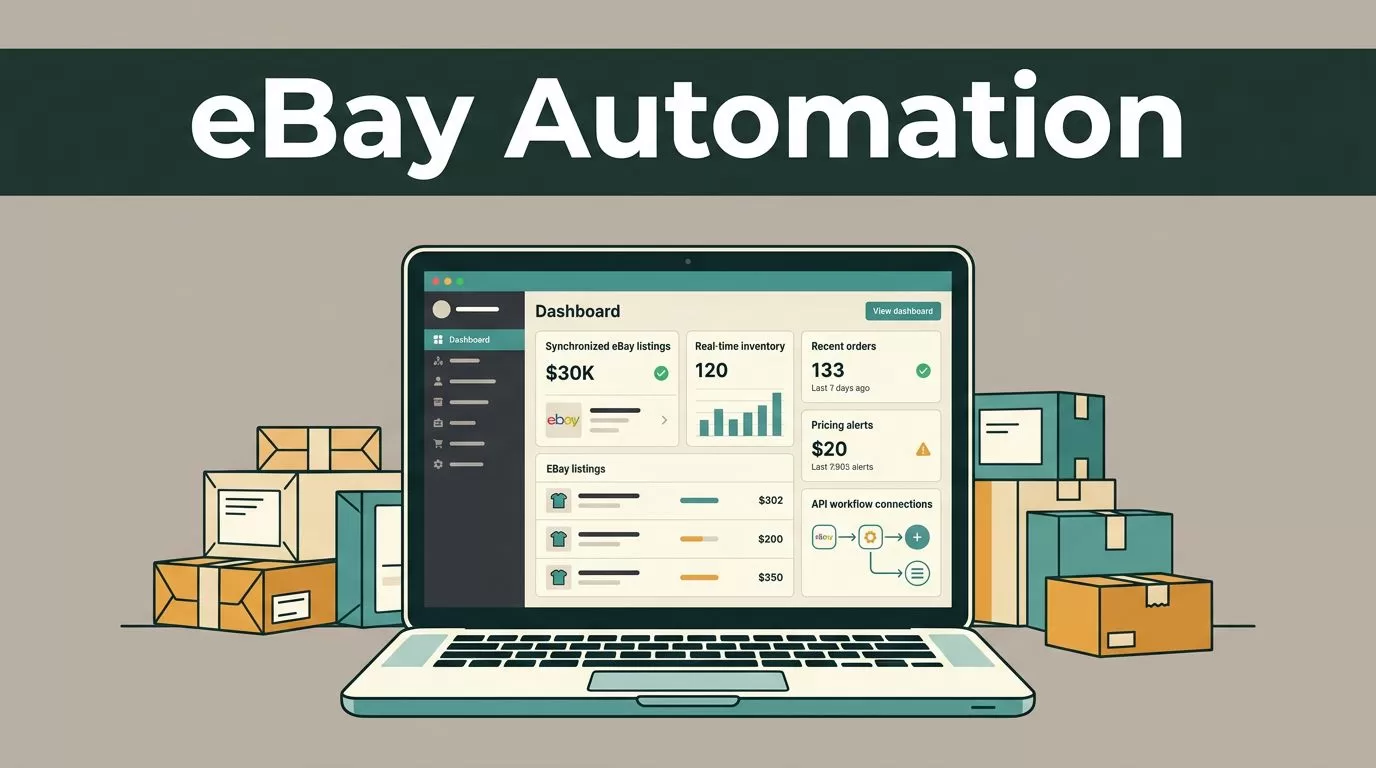
Manual eBay operations break down when product counts, order volume, and pricing changes move faster than your team. eBay automation tools can update stock, manage listings, flag pricing changes, and prepare reports without forcing operators to repeat the same clicks each day.
Twin.so gives you a practical workflow layer for connecting those actions. The safe approach is API-first: authenticate through eBay’s approved developer process, test every workflow in Sandbox, and move only verified jobs into Production. Start with one controlled process, measure the result, then expand.
Define the eBay Workflows You Need First
Don’t begin by connecting every possible system. Start with the repetitive tasks that create the highest operational cost or the greatest risk of human error.
Common eBay automation workflows include:
- Updating eBay quantities when stock changes in your warehouse or inventory system.
- Sending order data to fulfillment after payment and order status checks.
- Alerting operators when a competitor’s price changes or a margin falls below a set threshold.
- Creating, revising, relisting, or ending listings based on approved rules.
- Producing daily reports for sales, stock levels, cancellations, and unresolved exceptions.
Each workflow needs a clear trigger, action, and failure path. For example, a stock update may start when the warehouse system changes quantity. Twin.so then checks the SKU, sends the new quantity to eBay, records the response, and alerts a team member if the update fails.
This structure prevents a common automation mistake: building a workflow that performs an action but doesn’t tell anyone when the action fails.
Create a simple workflow register before deployment. Record the source system, eBay operation, owner, schedule, required fields, and escalation contact. Keep separate entries for inventory, orders, listings, repricing alerts, and reporting.
Use concise run summaries and bookmark failed transactions with the affected SKU or order ID. Those records reduce troubleshooting time when a process fails several hours after launch.
Set Up eBay Authentication Before Twin.so
eBay automation tools need approved access to eBay data and selling operations. Do not give a third-party workflow unrestricted access to a seller account through shared passwords or browser sessions.
Create an eBay developer account with a business email address. Register an application and create separate keysets for Sandbox and Production. eBay’s approval process can take about one business day, so include that step in your deployment schedule.
Use OAuth for seller authorization. The normal sequence is:
- Register the application and create the required keyset.
- Configure the redirect URI used by the authorization flow.
- Request the seller’s consent through eBay’s OAuth process.
- Store the returned access and refresh tokens in a protected secret store.
- Connect those secrets to the Twin.so workflow without exposing them in task steps or logs.
- Test the connection against Sandbox before any live listing or order operation.
Do not place client secrets, refresh tokens, or authorization headers in spreadsheets, screenshots, workflow notes, or shared chat channels. Restrict access to the operators who maintain the integration. Rotate secrets when staff leave, ownership changes, or a credential may have been exposed.
Keep Sandbox and Production connections visibly separate inside Twin.so. Use different names, secret entries, and workflow environments. A test workflow should never be able to select a live account by accident.

OAuth protects the account boundary, but it doesn’t make a workflow safe by itself. Access scope, secret storage, logging, and approval rules still need attention.
Build Inventory and Listing Automation
Inventory is the best starting point because stock errors create overselling, cancellations, and avoidable customer service work.
eBay’s Inventory API documentation covers the operations used to create and manage inventory records. A Twin.so workflow can take a product update from your source system, map the SKU to an eBay inventory item, and send the new available quantity.
Use a controlled mapping table. It should connect your internal SKU, eBay SKU, marketplace, warehouse location, quantity source, and listing status. Stop the workflow when a required mapping is missing. Don’t send a partial update that could overwrite valid data with an empty value.
A practical inventory workflow looks like this:
- Receive a stock change from the warehouse or commerce platform.
- Confirm that the SKU exists and belongs to the correct marketplace.
- Compare the new value with the last successfully submitted value.
- Send the update only when a real change exists.
- Save eBay’s response, timestamp, and request identifier.
- Retry temporary failures with a controlled delay.
- Route repeated failures to an operator queue.
The Inventory API overview explains how inventory records become product offers on eBay. Treat that distinction carefully. Updating an inventory record isn’t the same as publishing a listing. Your Twin.so workflow should keep inventory updates and offer publication as separate jobs with separate approval rules.
Listing management needs the same discipline. Automate routine revisions only when the source data is complete. Required fields can include title, category, item specifics, price, quantity, images, shipping policy, and return policy.
Keep high-impact changes behind human approval at first. A bulk title change or category change can affect search visibility and buyer expectations across hundreds of listings. Start with low-risk quantity updates, then add approved listing actions after the data mapping proves reliable.
Add Orders, Repricing Alerts, and Reporting
Inventory automation protects availability. Order automation protects fulfillment speed.
When a new order arrives, Twin.so should first validate the order status and order line data. Then it can send the order to the fulfillment system, reserve stock, create an internal task, and update the order record. Avoid marking an order fulfilled until the carrier or warehouse system returns a confirmed shipment event.
Order workflows should handle duplicate events. The same notification may be delivered more than once. Store the eBay order ID and line item ID, then check whether the event already exists before creating a second fulfillment task.
Repricing needs guardrails. A useful repricing alert doesn’t change every price automatically. It checks the current price, minimum margin, competitor data, stock position, and approval threshold. Twin.so can notify the operator when a product falls below its approved margin or when a competitor moves outside the expected range.
For example, set an alert when:
- The projected margin drops below the approved floor.
- A product has fewer than five units available.
- A competitor price changes by more than a defined percentage.
- A listing has received views but no sales within the review period.
- A listing price differs between the internal catalog and eBay.
Use eBay automation tools to identify decisions, not to remove judgment from every commercial action. Pricing rules need regular review because shipping costs, fees, promotions, and supplier costs change.
Reporting should pull data into a consistent format. Schedule daily summaries for orders, gross sales, stock exceptions, listing errors, and failed API calls. Send a short operator summary to the workspace or reporting system, while retaining detailed event logs for investigations.
Test, Monitor, and Move to Production
Testing should cover both successful actions and bad input. Create Sandbox cases for missing SKUs, zero stock, duplicate orders, invalid policies, expired tokens, incomplete listings, and temporary API errors.
Use small batches first. Test one SKU, then five, then a controlled group. Compare the Twin.so result with the eBay record after every run. Record the expected value, returned value, response status, and follow-up action.
Watch for these operational signals:
- Inventory updates that remain pending.
- Repeated retries for the same request.
- A rising count of unmapped SKUs.
- Orders that reach fulfillment without a shipment confirmation.
- Listings that fail because required fields or policies are missing.
- Sudden changes in API response time or error rate.
Respect eBay API requirements, rate limits, account restrictions, and marketplace policies. Automation must not bypass throttling, seller limits, verification steps, or listing restrictions. Add backoff for temporary failures and stop processing when the workflow receives a permission or policy error.
The guide to managing inventory and offers is useful when you design the handoff between inventory data and published offers. Use it alongside your internal field map and approval rules.
Move to Production only after the workflow passes the test cases and an operator can explain how to stop it. Add a manual kill switch, a batch-size limit, and an alert for unusual activity. Review the first live runs closely instead of scheduling them during unattended hours.
Scale eBay Automation Tools Without Losing Control
Once the first workflow is stable, add new jobs one at a time. Inventory updates usually come before listing generation, order routing, repricing, and advanced reporting.
Keep each workflow narrow. A single large process is harder to test and harder to disable. Separate triggers, credentials, business rules, and error queues by function.
Review automation performance each week. Track successful updates, failed requests, retry counts, processing time, unresolved exceptions, and manual interventions. These numbers show whether the workflow is reducing work or creating a new support queue.
Document every change. Record who changed the rule, why it changed, which marketplace it affects, and how the change was tested. Keep a rollback path for pricing, quantity, and listing updates.
Twin.so should coordinate the work, not hide it. Operators need readable logs, clear alerts, and access to the source records behind each action. That visibility matters when a buyer reports an incorrect quantity or an order fails to reach fulfillment.
Conclusion
Deploying eBay automation tools through Twin.so works best as a controlled API integration, not as a shortcut around eBay’s rules. Start with inventory updates, protect OAuth credentials, test in Sandbox, and add order, listing, pricing, and reporting workflows after the first process is stable.
The strongest deployment is easy to inspect and easy to stop. Build small workflows, save every response, route exceptions to people, and scale only when the operating data supports it.
