How I Build a Simple Airtable Follow-Up System for Clients
Client follow-ups disappear fast when they live in inboxes and scattered notes. I keep mine in an Airtable follow up system because I want one place for status, date, and next action. I don’t need a full CRM for every project. I need...

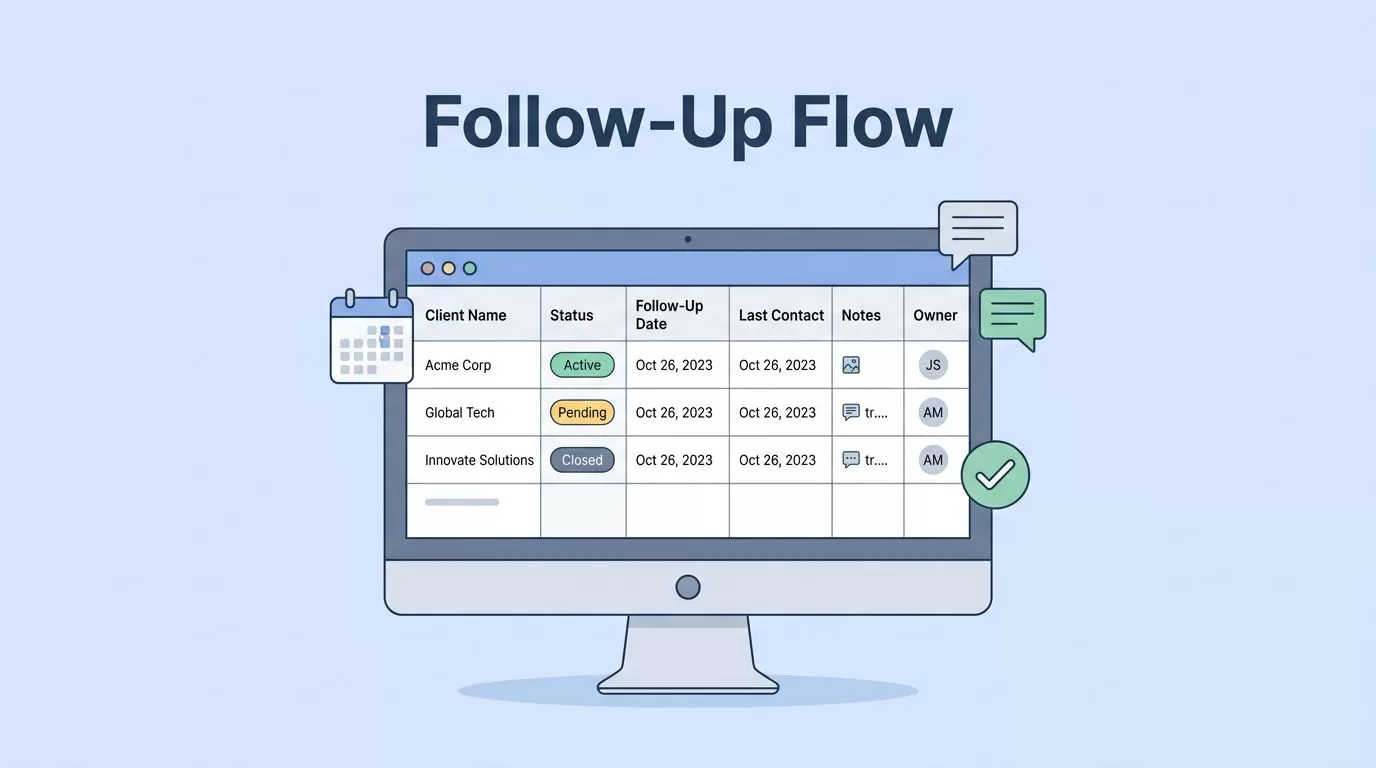
Client follow-ups disappear fast when they live in inboxes and scattered notes. I keep mine in an Airtable follow up system because I want one place for status, date, and next action.
I don’t need a full CRM for every project. I need a clean board that tells me who needs a reply today, who needs a nudge next week, and who can wait. That small bit of structure saves me from digging through old email threads.
The four fields I add first
I start with one table and keep it boring on purpose. The goal is speed, not a giant setup that I avoid using.

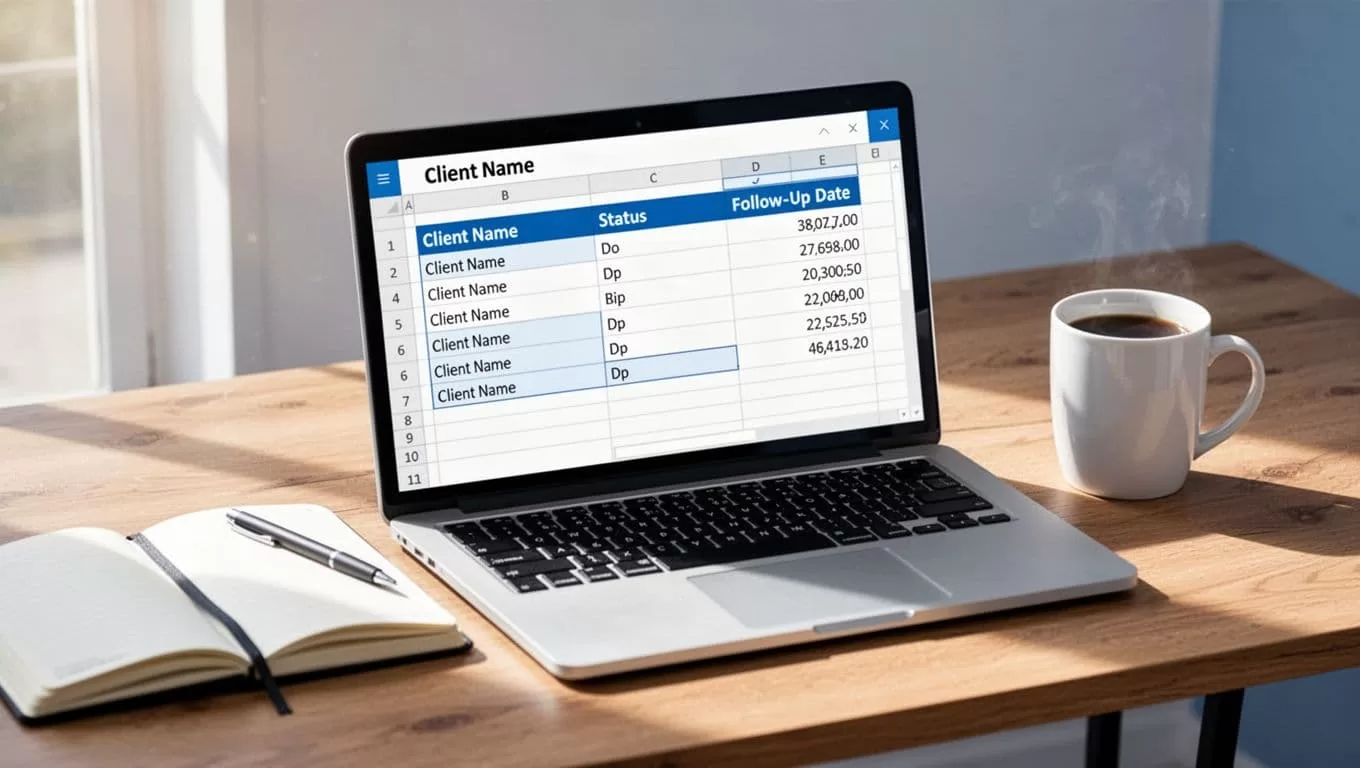
These are the fields I add first:
| Field | Type | Why I use it | Example |
|---|---|---|---|
| Client Name | Single line text | Keeps each record easy to scan | Acme Studio |
| Status | Single select | Shows the current stage at a glance | Waiting on reply |
| Follow-Up Date | Date | Tells me when to reach out next | Apr 22 |
| Last Contact | Date | Helps me avoid duplicate messages | Apr 15 |
| Notes | Long text | Holds context from calls and emails | Asked for a revised proposal |
| Owner | Collaborator | Useful when more than one person helps | Me |
I keep the status list short. Mine usually includes New Lead, Waiting on Reply, Waiting on Client, and Closed. That’s enough for most small service projects.
If I want a fuller version later, I compare my setup with this step-by-step CRM in Airtable guide. It helps me see what to add only when I truly need it.
The trick is to make every field answer one question. Who is this? What happens next? When do I reach out? If a field does not answer one of those, I skip it.
Views that keep the day in order
Once the base is set, I build views that show me what matters right now. This is where Airtable starts feeling useful, because I stop looking at one giant list.
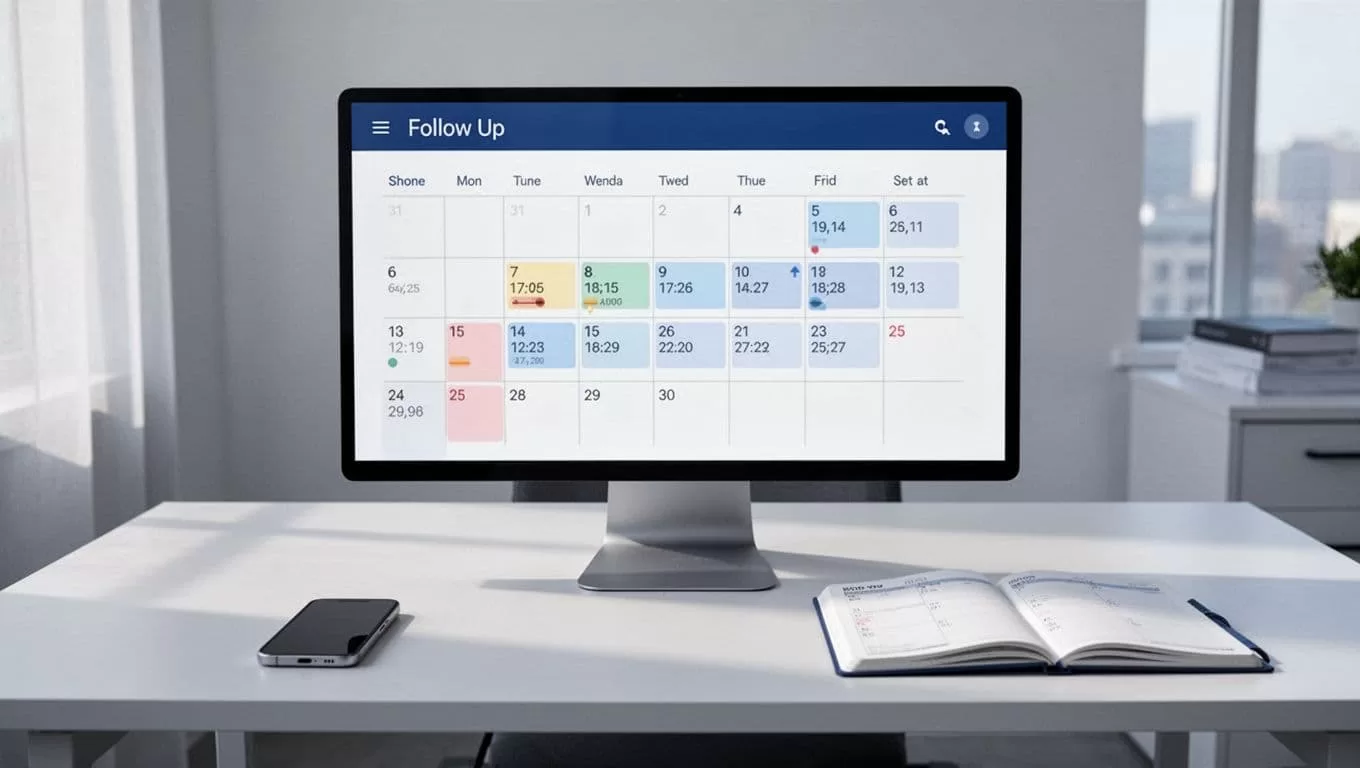
My main views are Due Today, Due This Week, Waiting on Reply, and Closed. I sort by Follow-Up Date so the oldest items rise to the top. I also color the status labels, because my eyes catch color faster than text.
A calendar view helps too. When I need to see the week at a glance, the calendar feels like a wall planner. I can spot busy days before they turn into dropped balls.
I also use filters for focus. For example, I filter out closed projects when I’m working on active accounts. That keeps the view calm. It also keeps me from opening records I don’t need yet.
When I’m busy, I live in the Due Today view. That one view saves me from bouncing between tabs and guessing what should happen next.
The automations that send the nudge
Automation is where the system stops depending on memory. I keep this part light, because I still want control over the message.
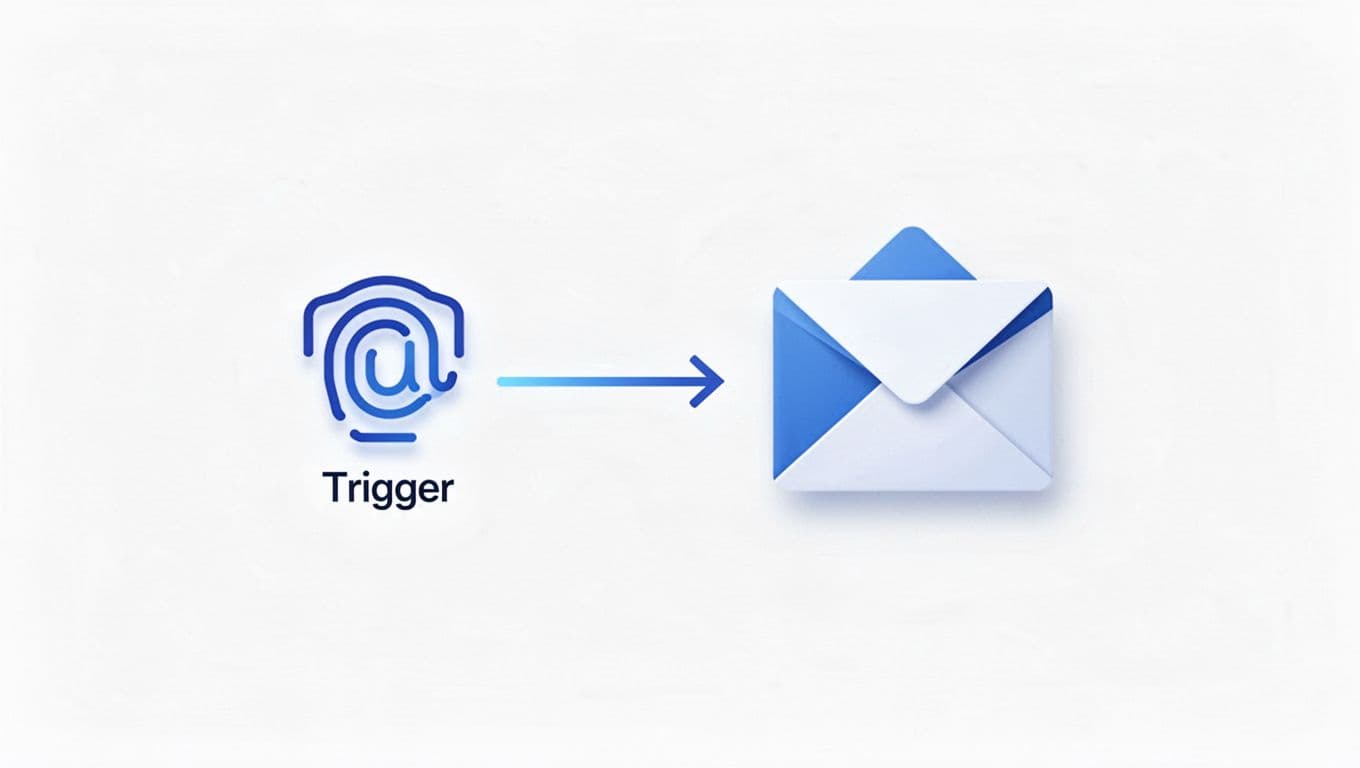
My simplest automation works like this. When the Follow-Up Date matches today and the status is not Closed, Airtable sends me an email reminder. Sometimes I send it to myself. Sometimes I send it to a shared inbox. Either way, I get a clean prompt without digging for the record.
I also like one small update after I send a follow-up. I set a checkbox called Reminder Sent, or I update Last Contact. That tiny step keeps the record honest.
Airtable already shows this pattern well in its automatic email notifications recipe. I use the same idea, but I keep the logic simple enough to fix in minutes.
I automate the reminder, not the relationship. The message still needs my voice.
That rule keeps the system human. If a client sends a real reply, I move the status myself. Automation helps me remember. It does not replace judgment.
Small extras that make it stick
A simple setup lasts longer when I give it a few habits. I keep templates, filters, and forms close by.
For templates, I store short follow-up notes in a long text field. One line can cover a gentle check-in, another can ask for feedback, and a third can restart a stalled thread. I copy, edit, and send. No blank page, no wasted time.
For filters, I hide old records during the workday. That keeps the base from feeling crowded. I want to see a work list, not a museum.
If I need a basic form for new requests, Airtable’s guide to building and sharing forms is the one I open. It helps me collect clean client details before I even start the follow-up cycle.
I also review the base once a week. That’s when I delete dead fields, tighten status names, and move stalled records forward or out. A simple system only stays simple if I protect it.
When the work gets bigger, I can expand into a fuller setup like my freelance CRM in Airtable. For most client follow-up work, though, I do not need that extra weight. I just need a place where the next step never hides.
The reason this Airtable follow up system works is plain. I can see what needs attention, when it needs it, and what I said last. That keeps me from relying on memory, which is where follow-ups go missing.
A small system beats a clever one when it gets used every day.

