How I Track Contract Renewals in Google Sheets
I stopped trusting memory the day a contract slid past its notice period. Since then, I keep every renewal in a contract renewal tracker inside Google Sheets, where dates, owners, and alerts live in one place. It takes a little setup, but t...


I stopped trusting memory the day a contract slid past its notice period. Since then, I keep every renewal in a contract renewal tracker inside Google Sheets, where dates, owners, and alerts live in one place.
It takes a little setup, but the payoff is simple. I can spot risk early, assign follow-up work, and avoid last-minute panic when a renewal date creeps up.
The sheet layout I use for every contract
I start with one row per contract and one tab called “Contract Renewals.” If I want a head start, I compare my setup with a free contract renewal tracker template, then adjust it to fit my process.
Here’s the structure I use most often:
| Column | What I store | Why I keep it |
|---|---|---|
| Vendor or client name | The company tied to the contract | It makes the row easy to scan |
| Contract owner | The person responsible | I know who should act next |
| Start date | When the agreement began | It helps me spot long-running contracts |
| Renewal date | The next renewal point | This is the key date I watch |
| Notice period | Number of days before renewal | It tells me when action is due |
| Contract value | Annual or total value | I can rank renewals by size |
| Status | Active, renewing, renewed, or closed | It shows the current state |
| Auto-renew flag | Yes or no | I know which contracts need extra care |
| Days until renewal | Formula field | I can see urgency at a glance |
| Notes | Special terms, contacts, or reminders | I keep the fine print in one place |
I use dropdowns for Status and Auto-renew flag so the sheet stays clean. I also freeze the header row and turn on filters. That way, I can sort by renewal date or owner without breaking the layout.
I treat the notice period as the real deadline. By the renewal date, it’s often too late to act.


The formulas that keep dates honest
A good renewal tracker should do the math for me. I don’t want to count dates by hand, because that’s where mistakes creep in.
Days until renewal
If the renewal date is in column D, I use this formula in Days until renewal:
=IF(D2="","",D2-TODAY())
That gives me a live count. Positive numbers mean the contract is still ahead. Negative numbers mean I missed it, which is painful, but useful.
Reminder logic
I usually add one helper column for the notice deadline. If the notice period is in days and sits in column E, I use:
=IF(OR(D2="",E2=""),"",D2-E2)
Then I can create a reminder field with:
=IF(AND(F2<>"",TODAY()>=F2,G2<>"Renewed"),"Send reminder","")
This setup works well because it looks at the real cutoff, not only the renewal date. It also keeps reminders quiet once I mark a contract as renewed.
For a second method that focuses on expired dates, I follow the same logic used in this Google Sheets expired dates guide. It’s a useful reference when I’m building a tracker from scratch.
Conditional formatting makes the sheet harder to ignore
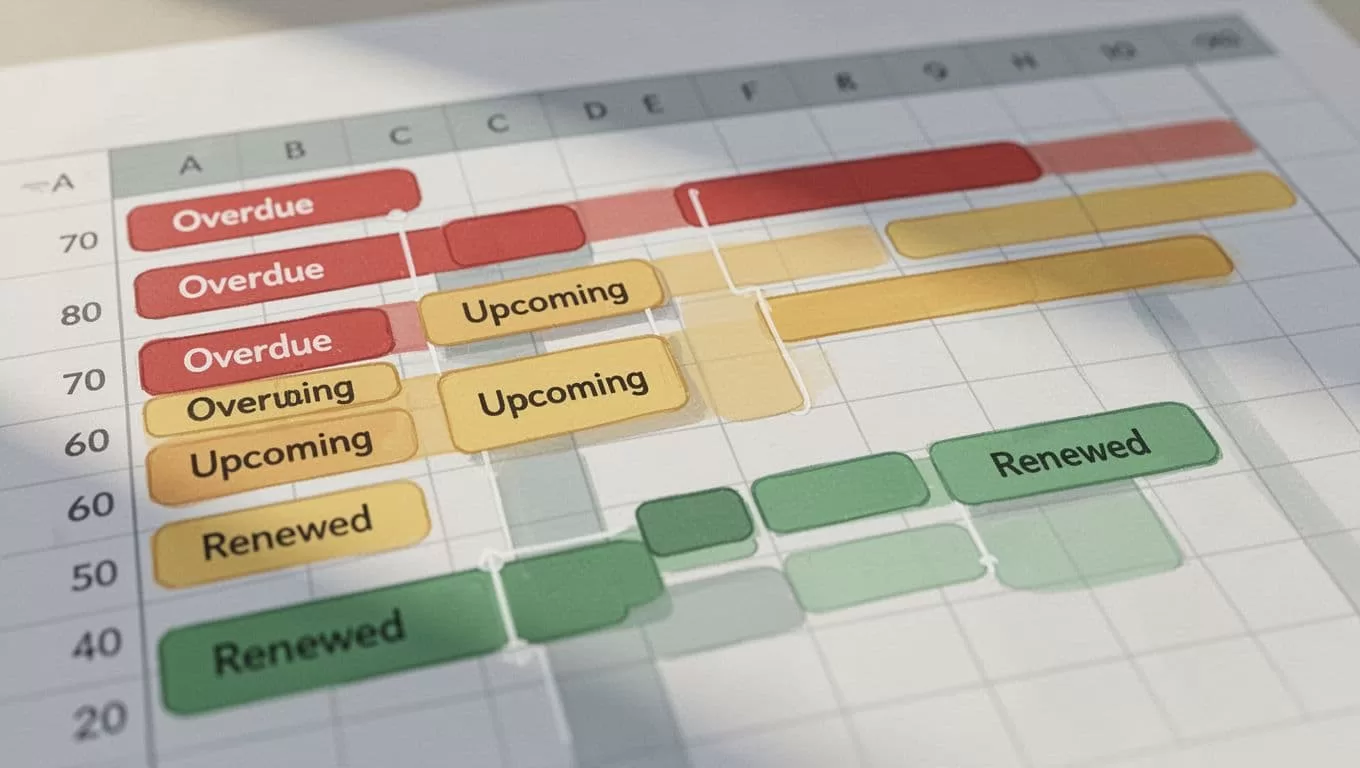
Color is the fastest way to pull my eye to the right row. I use conditional formatting so the sheet acts like a warning light, not a static list.
My color rules
- Overdue contracts turn red when the renewal date is before today and the status is not “Renewed.”
- Due soon contracts turn yellow when the renewal date is within 30 days.
- Renewed contracts turn green when the status says “Renewed.”
If I want exact rules, I use custom formulas like these:
- Overdue:
=AND($D2<TODAY(),$G2<>"Renewed") - Due soon:
=AND($D2>=TODAY(),$D2<=TODAY()+30,$G2<>"Renewed") - Renewed:
=$G2="Renewed"
I keep the colors simple. Red means action now. Yellow means I should look soon. Green means the row can move out of the active pile.
The habits that keep the tracker useful
A sheet only works if I keep using it. So I review mine once a week, usually on Monday morning, before the inbox fills up.
I sort by renewal date first, then by contract value. That helps me focus on the contracts that matter most. A small subscription can wait a day; a large vendor agreement usually can’t.
I also archive closed rows instead of deleting them. That gives me a history of past terms, notice periods, and renewal patterns. When a vendor renews the same way every year, I can spot the pattern fast.
If I want a more visual summary, I borrow ideas from a contract performance and renewal dashboard in Google Sheets. A dashboard helps when I need to see totals, due-soon counts, or value at risk without scrolling through every row.
The last habit is simple. I keep the notes field honest. If a contract needs 60 days’ notice by email, I write that down. If a client wants approval from two people, I note that too. The spreadsheet gets much better when it holds the small details that live in email threads.

A solid renewal tracker doesn’t need fancy software. It needs the right columns, a few formulas, and colors that get my attention fast.
That’s how I keep contract renewals in Google Sheets from hiding in plain sight. A good sheet turns dates into action, and action is what keeps expensive surprises off my desk.

