How I Find Department Emails With Hunter.io
Finding the right department email can save me hours of guessing. It also keeps my outreach cleaner, because I’m not firing messages into the wrong inbox and hoping for the best. When I need Hunter.io department emails, I don’t...

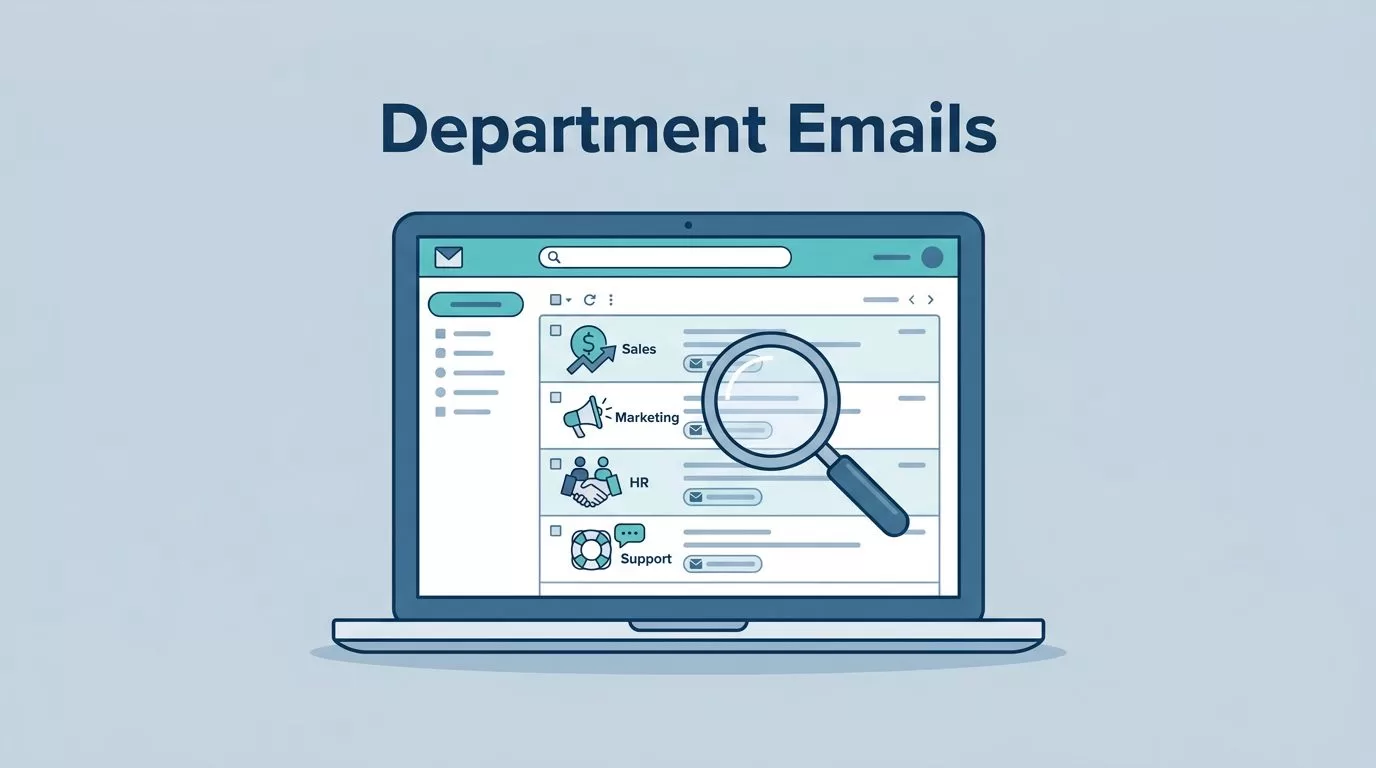
Finding the right department email can save me hours of guessing. It also keeps my outreach cleaner, because I’m not firing messages into the wrong inbox and hoping for the best.
When I need Hunter.io department emails, I don’t start with random addresses. I start with the company, the role, and the reason I’m reaching out. That small shift changes everything.
If I’m looking for sales, marketing, HR, or support contacts, I want a method that’s repeatable. I also want one that won’t waste credits or push me into sloppy outreach.
I start with the department, not a blind guess
A department inbox works best when I already know who should own the conversation. If I’m pitching a partnership, I’m usually not looking for support@. If I’m sending a press note, I’m not chasing finance@.
That’s why I keep a simple rule in mind: first decide the department, then decide whether I need a person or a shared inbox. For naming patterns, I often keep my corporate email patterns guide open beside Hunter. It helps me spot whether a company uses role-based mailboxes, personal addresses, or both.
A few clues usually tell me where to begin:
- Sales and business development for vendor, partnership, or pipeline questions
- Marketing or communications for content, PR, and brand outreach
- HR or recruiting for hiring and candidate contact
- IT, security, or operations for technical requests
- Billing, finance, or accounting for payment and invoice issues
Hunter works best for me when I already know the target lane. Then I can search with purpose instead of browsing aimlessly.
My Hunter.io workflow for department emails
I keep the process tight because credits matter. As of April 2026, Hunter’s model still uses credits, and finding plus verifying an address can cost two actions. So I want each search to have a reason.
The basic flow I use matches Hunter’s own Email Finder help article, but I apply it with department intent:
- I enter the company domain first.
This shows me public email patterns tied to the site. It also tells me whether the company tends to publish role inboxes. - I check the department or title signals.
Hunter’s updated search for decision makers explains how department and title filters help narrow results before I spend a credit. That matters when I’m looking for marketing, sales, or executive contacts. - I use Email Finder when I know the person.
If I have a name and company domain, I test that directly. If I only need the department, I scan the results for role-based inboxes or likely contacts. - I read the confidence and source clues.
I don’t treat every result the same. A strong match feels different from a weak guess, and I act like it. - I verify before outreach.
I never skip this step, because a found address and a usable address are not the same thing. My Hunter.io email verification workflow is the safety check I use before any send.
A department inbox is useful, but a verified inbox is what keeps my outreach from turning messy.
When I need a larger list, I’ll still use Hunter in batches. Even then, I keep the same order, search, review, verify, then send.
How I spot likely department aliases
Department emails usually follow patterns that make sense once I’ve seen a few. I look for role-based aliases first, because they often show up in company contact pages, footers, or public records.
Here’s the shorthand I use:
| Likely alias | What I usually use it for | My caution level |
|---|---|---|
| sales@ | Pipeline, vendor, or partnership outreach | Medium |
| marketing@ | Content, PR, and brand requests | Medium |
| hr@ or careers@ | Recruiting and job-related contact | Low to medium |
| support@ | Customer or product questions | Medium |
| billing@ or finance@ | Invoice and payment issues | Medium |
| it@ or security@ | Technical or access requests | High |
| press@ | Media and editorial outreach | Low |
| partnerships@ | Collaboration and business development | Low |
The big trap is assuming every alias belongs to one person. Sometimes it does. Often it doesn’t. A shared inbox may be monitored by a team, or it may feed a ticket system. That’s fine for the right use case, but it’s not the same as a direct decision-maker email.
If I want a deeper refresher on how this pattern logic works, I go back to my Hunter.io Email Finder guide 2026. It helps me compare personal emails against department inboxes without guessing in circles.
How I verify before I send anything
Verification is where I protect my sender reputation. Hunter’s verifier gives me a fast read on whether an address looks safe, risky, or invalid. In practice, I treat green as usable, yellow as caution, and red as a stop sign.
I also remember the limits. Verification checks syntax, domain signals, and mailbox behavior, but it’s not a promise that every email will land perfectly. Catch-all domains can still blur the picture. That’s why I keep my first send small, especially with new targets.
My verification habit is simple:
- I verify every address before I add it to a sequence
- I treat “unknown” or “catch-all” results with caution
- I double-check role inboxes before using them
- I avoid piling on more data than I need
This part matters for privacy and compliance too. I only contact people or teams when I have a real business reason. I don’t use department emails as a shortcut for spam. I also keep an easy opt-out in place, because respectful outreach is better outreach.
Common mistakes I avoid
I’ve made enough bad searches to know where things go wrong. Most of the time, the mistake isn’t the tool. It’s the process.
These are the errors I watch for:
- I don’t assume a department inbox is the best option when a named contact exists.
- I don’t trust a low-confidence match just because I’m in a hurry.
- I don’t skip verification to save a credit, because that costs more later.
- I don’t email generic inboxes without a clear reason and message fit.
- I don’t keep stale results in my CRM after a role changes or a domain shifts.
For list hygiene and bounce control, I also lean on my reduce cold email bounces guide. It’s a good reminder that a clean list matters more than a big list.
The other mistake is overusing department emails when they aren’t needed. If I can find the right person, I usually prefer that. If I can’t, a verified department inbox can still move the conversation forward.
What Hunter.io does well, and where I still slow down
Hunter is strongest when I already know the company domain and the kind of contact I want. It’s less useful when I need broad enrichment, phone numbers, or deep buying signals. I keep that in mind so I don’t ask it to do a job it wasn’t built for.
Still, for finding Hunter.io department emails, it gives me a practical path. I can search by domain, narrow by department or title, check the likely pattern, then verify before I send. That sequence keeps me focused and saves me from noisy outreach.
The real win is not speed alone. It’s getting the right inbox, with the right level of confidence, for the right reason.

