How I Build a No-Code Client Portal With Notion
Client work gets messy fast when updates live in email, files sit in chat, and deadlines hide in spreadsheets. I built a Notion client portal so I could put the whole project in one place and keep clients out of my internal clutter. The set...

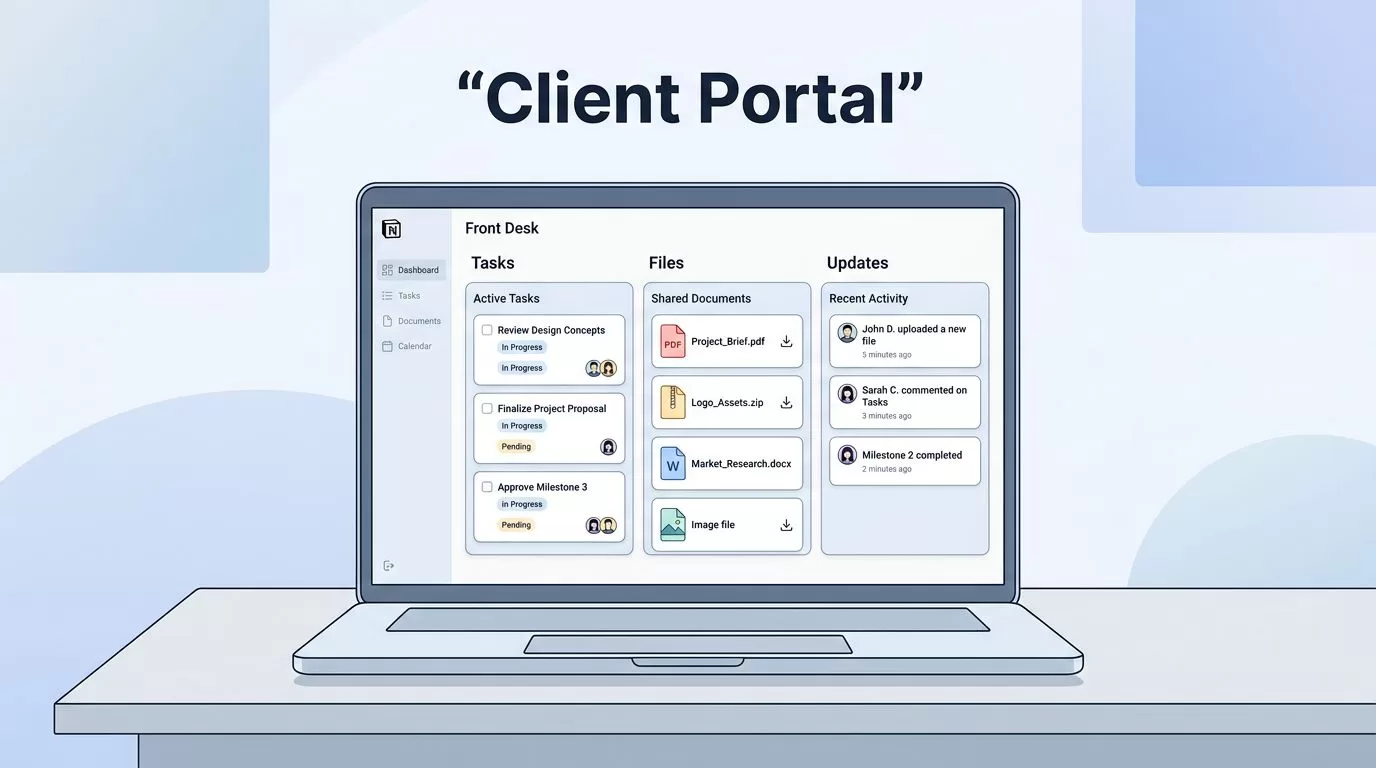
Client work gets messy fast when updates live in email, files sit in chat, and deadlines hide in spreadsheets. I built a Notion client portal so I could put the whole project in one place and keep clients out of my internal clutter.
The setup works when it feels calm and obvious. Clients should see what matters now, where to find files, and what happens next.
I build mine like a front desk, not a storage closet. That shape keeps the portal useful, and it keeps me from overbuilding it.
I Start with a Portal That Answers Three Questions
Every client portal needs a clear first screen. I want it to answer three things right away, what this project is, what is due next, and where the client should click first.
I usually make one top-level page for the client, then add linked databases underneath it. For small accounts, that page can hold everything. For larger work, I split the portal into a home page plus separate pages for tasks, files, and updates.
My basic layout looks like this:
- A dashboard with project status and next steps
- A timeline for deliverables
- A deliverables page for files and approvals
- A forms area for requests and feedback
- A communication space for updates and notes
I also keep privacy in mind from the start. In 2026, Notion’s page-level access and guest sharing are strong enough for many client setups, as long as I only share the pages each client needs. For a plain-English walkthrough of that structure, I like this Notion client portal guide.
This first layer matters because it keeps the portal readable. If a client can find the answer in ten seconds, the portal is doing its job.
I Build the Dashboard Around Daily Decisions
I treat the dashboard like a control panel. It should tell me what moved, what stalled, and what needs my attention today.
On the home page, I use a few fields that matter most, current phase, due date, owner, last update, and next action.
I keep the visual side simple. A clean project card, a short status note, and one progress indicator are enough. Clients do not need a wall of properties. They need a sense of motion.

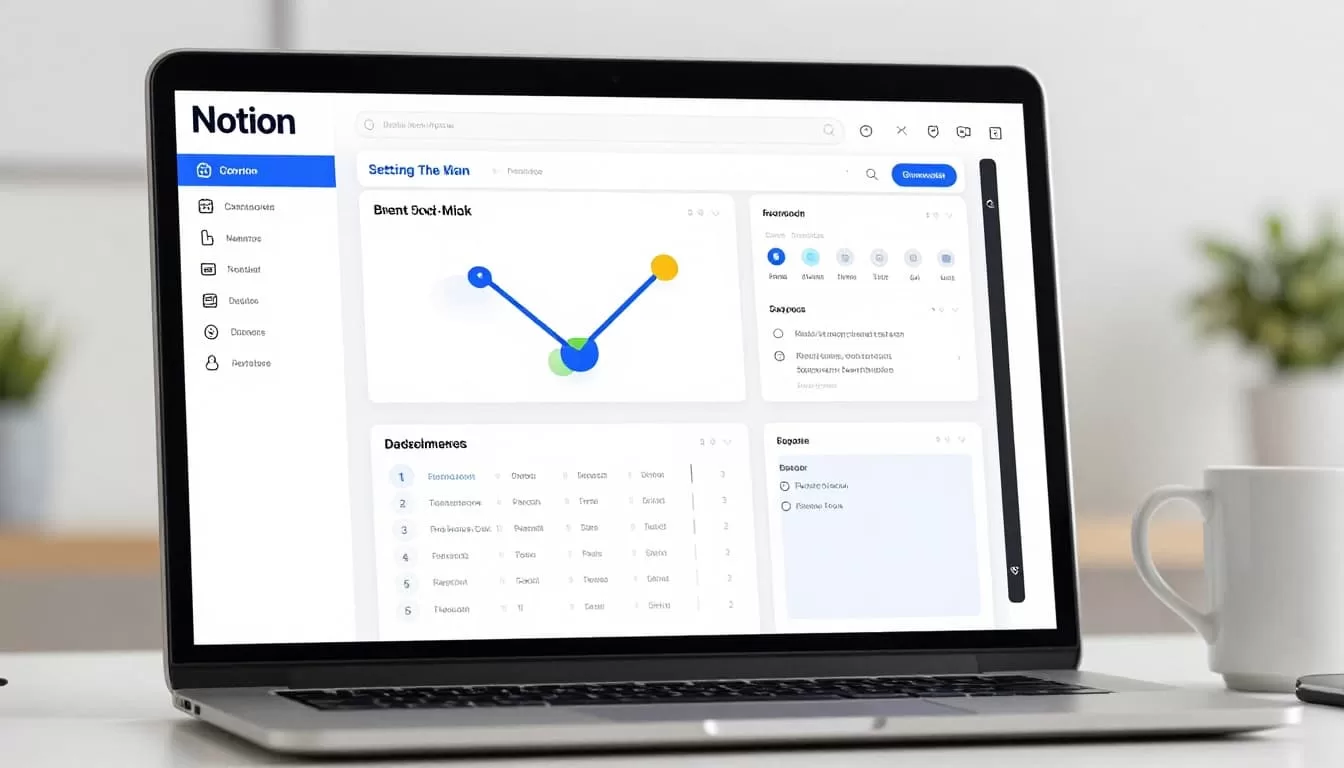
When I want ideas for layout, I watch how other builders handle the same problem. A good example is this 2026 Notion client portal walkthrough. I do not copy it line for line, but it helps me spot better page flow.
The dashboard works best when it stays short. If it starts feeling like a spreadsheet, I cut it back.
I Track Deliverables in Linked Databases
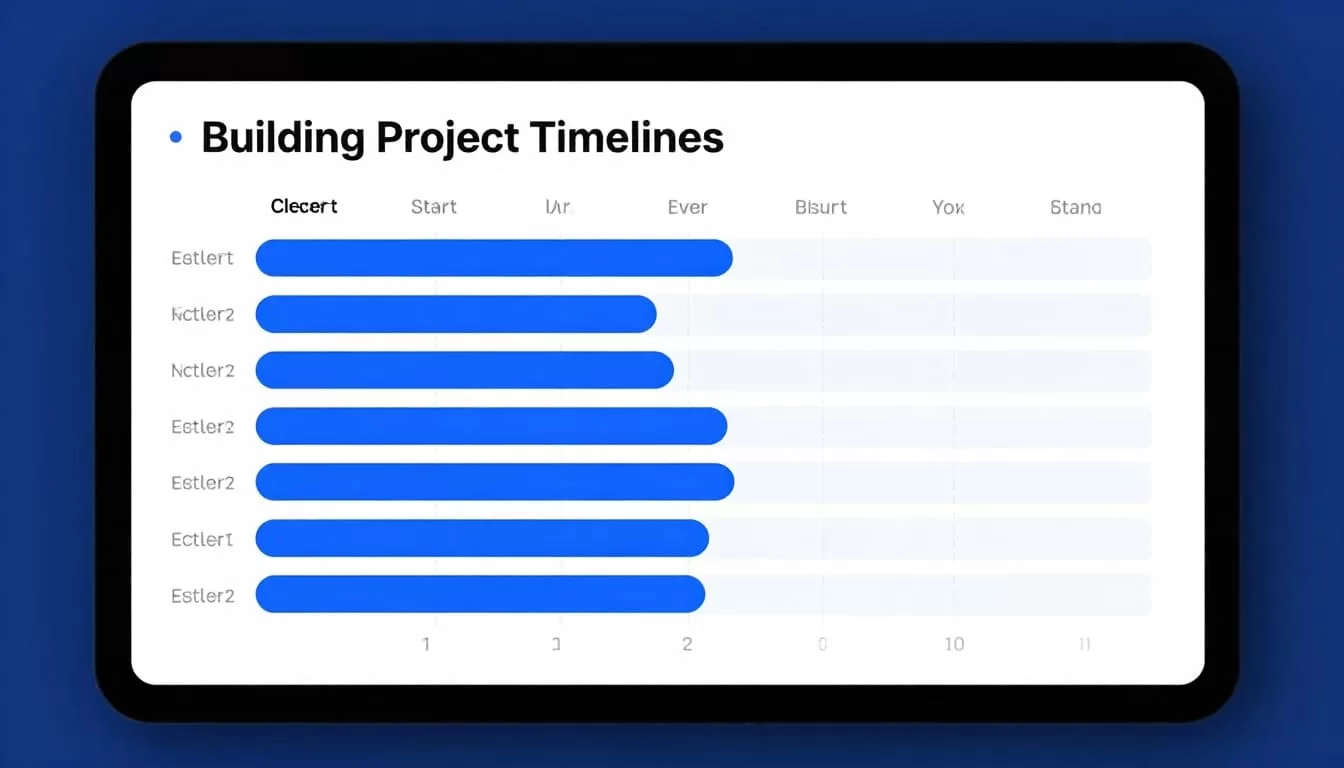
Timeline views are where Notion starts to feel like a real client portal. I link my project database to a deliverables database, then set dates, owners, and status tags.
That lets me show the client a clean timeline while I keep richer internal fields behind the scenes. I can track draft dates, review dates, and final handoff dates without making the page noisy.
For example, if I am building a brand launch portal, I might map out kickoff call, copy draft, design review, final approval, and launch day assets.
I like this setup because it reveals delays early. A timeline makes gaps visible. When a task slips, I see it before the client has to ask.
If I need a more app-like layer on top of Notion, I look at building a responsive client portal from Notion databases. That approach helps when the client needs a smoother front end than a plain Notion page.
I Add Forms, Resources, and a Clear Place for Messages
A portal gets useful when clients can act without hunting me down. I add a request form, a small resource library, and a communication area so they know where to send new work or questions.
My forms area usually handles onboarding, revisions, and support requests. I connect it to Notion with no-code tools, then route each submission into a database. That keeps requests in one queue instead of buried in email.
The resource section holds the boring but necessary things. I store brand files, meeting notes, links, login instructions, and any FAQ that saves time later. A client should be able to self-serve here.
For communication, I keep it simple. I use one page for update notes and comments, then one database view for open questions. That gives the client a place to check progress without waiting for a reply.

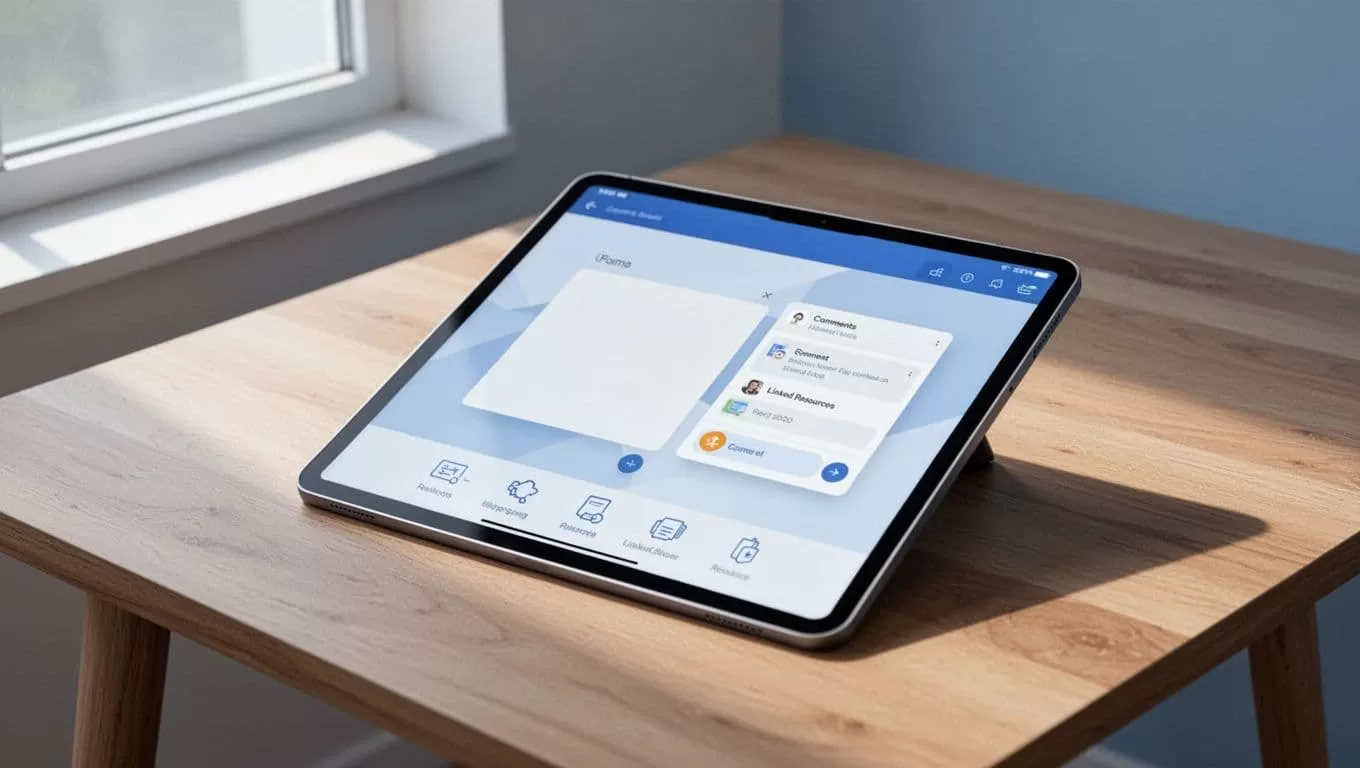
I also keep the language on these pages plain. If a client has to guess where to post a revision note, I failed the setup.
I Lock Down Permissions Before I Invite Anyone
Permissions are the part I double-check every time. Notion makes this easier now, but I still treat each share setting like a locked door.
I only give clients access to the pages they need. I avoid sharing the whole workspace, and I hide internal notes, private fields, and rough drafts. If I use a database, I test the view from the client side before I send the invite.
This is where Notion works well for me:
- small agencies
- freelance projects
- internal teams with a few client-facing pages
- projects where I can separate private work from shared work cleanly
I slow down when the portal needs strict branding, deeper permission rules, or a polished login experience. In those cases, a dedicated client portal tool can save time. A tool with stronger role controls may fit better when many clients need different access levels, or when payments and invoicing need to live next to the portal.
Here is how I decide.
| Situation | I use Notion | I switch to a dedicated portal tool |
|---|---|---|
| One client or a few clients | Yes | Usually no |
| Shared docs, tasks, and updates | Yes | Sometimes |
| Strict role-based access | Sometimes | Yes |
| Branded login and self-serve portal | Sometimes | Yes |
| Many clients and repeatable workflows | Maybe | Often yes |
When I need more structure, I keep the Notion data and move the front end. That gives me flexibility without throwing away the system.
The Portal Works Best When It Stays Human
A good client portal feels like a calm desk, not a maze. I want clients to see their project, understand the timeline, and know where to ask for help.
Notion gives me a strong base for that because I can shape the dashboard, track deliverables, share resources, and control access without code. When I keep the portal simple, clients use it. When I make it clever, they email me instead.
That balance is what makes a Notion client portal work. It saves time, cuts confusion, and gives each project one clear home.

