How I Execute Passive Candidate Sourcing With Recruit CRM
Passive hiring rarely starts with a job post. It starts when I spot someone already doing the work somewhere else, then pull them into a conversation at the right moment. Recruit CRM helps me keep that process organized. I use it to capture...

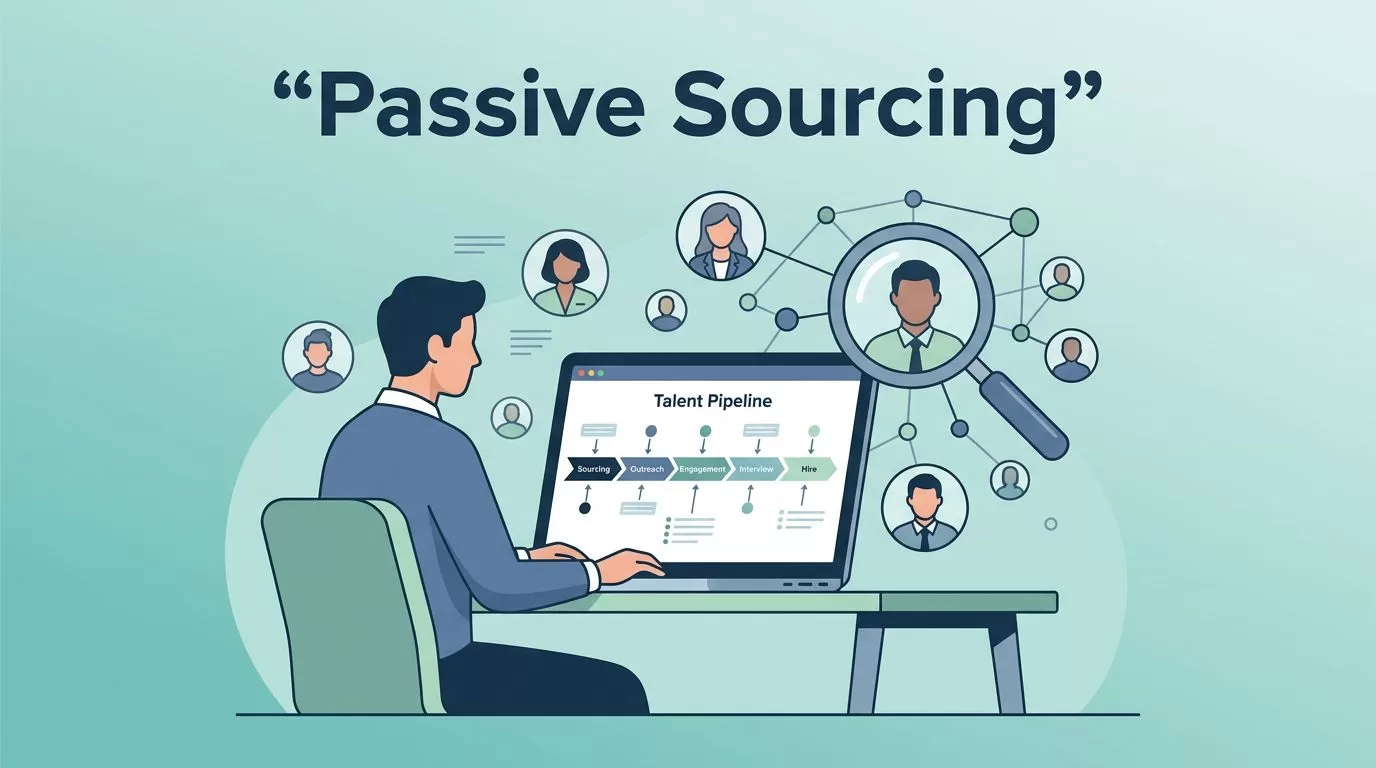
Passive hiring rarely starts with a job post. It starts when I spot someone already doing the work somewhere else, then pull them into a conversation at the right moment.
Recruit CRM helps me keep that process organized. I use it to capture names, tag fit, build talent pools, and move prospects through stages without losing context.
When I keep the workflow tight, passive candidate sourcing stops feeling like guesswork. It becomes a repeatable system I can use again and again.
I start with a narrow target profile
I never begin with a broad search. I start with a person I can picture.
First, I write down the skills I can’t compromise on. Then I add the experience level, target industries, and the kinds of companies I want to pull from. After that, I decide what I can bend on. That keeps me from filling the pipeline with names that look fine but don’t fit.
I also map where those candidates spend time. For some roles, that’s LinkedIn. For others, it’s old applicants, referrals, or niche communities. When I want a better picture of the workflow behind this, I keep Recruitment software workflows nearby, and I pair that with Recruit CRM’s passive recruiting strategies.
I capture passive prospects before the trail goes cold


Once I find a promising profile, speed matters. Passive candidates don’t wait around, and I don’t want to re-search the same person later.
I use Recruit CRM’s sourcing tools to move a profile into my database right away. The Chrome sourcing extension is especially useful when I want to capture a candidate from LinkedIn or another source without copying details by hand. After that, I clean the record and add the context I need.
My capture flow usually looks like this:
- I search with a plain-language role description or a focused Boolean query.
- I save the profile into Recruit CRM before I move to the next result.
- I add tags for role, location, seniority, and source.
- I place the candidate into the right pool or pipeline stage.
I set this up once, then reuse it across searches. If I need a base setup for that, I follow my Recruit CRM setup guide.
I turn tags into talent pools that actually help later
A pile of names is not a talent pool. A useful pool has labels I trust.
I treat my recruitment database software like a library shelf with clear tabs. I tag candidates by skill, industry, location, availability, and last contact date. That way, I can open a search and find a shortlist instead of a mess.

I also keep separate pools for warm prospects, silver-medalist candidates, and people who said “not now.” That last group matters more than most teams think. A strong passive search often starts with someone who was a near miss six months ago.
I treat a talent pool like a living notebook. If I don’t update it, it turns stale fast.
When a new req opens, I search by tags first. That saves me from starting over and helps me move faster on roles that need attention now.
I use follow-up sequences that feel human
Passive candidates usually need more than one touch. I keep my outreach short, relevant, and calm.
Recruit CRM helps me stay on schedule without turning my messages into spam. I can build reminders or sequences for follow-up, then adjust each note before it goes out. I use that structure to avoid forgetting good prospects after the first reply or the first silence.
For context, I often keep Recruit CRM’s candidate sourcing page open while I plan this part of the process. It helps me match the tool to the task, especially when I want to combine AI sourcing, one-click capture, and database management in one place.
My follow-up rhythm usually looks like this:
- The first note is short and specific to the person’s background.
- The second note adds a reason the role matters now.
- The third note gives a simple next step, such as a quick call or a reply with interest level.
I don’t send the same message three times. I use the tags and notes in Recruit CRM to make each touch feel like it belongs to one person, not a bulk list.
I move candidates through stages without losing the story
A candidate can disappear inside a messy pipeline. I keep that from happening by using simple stages and clear notes.
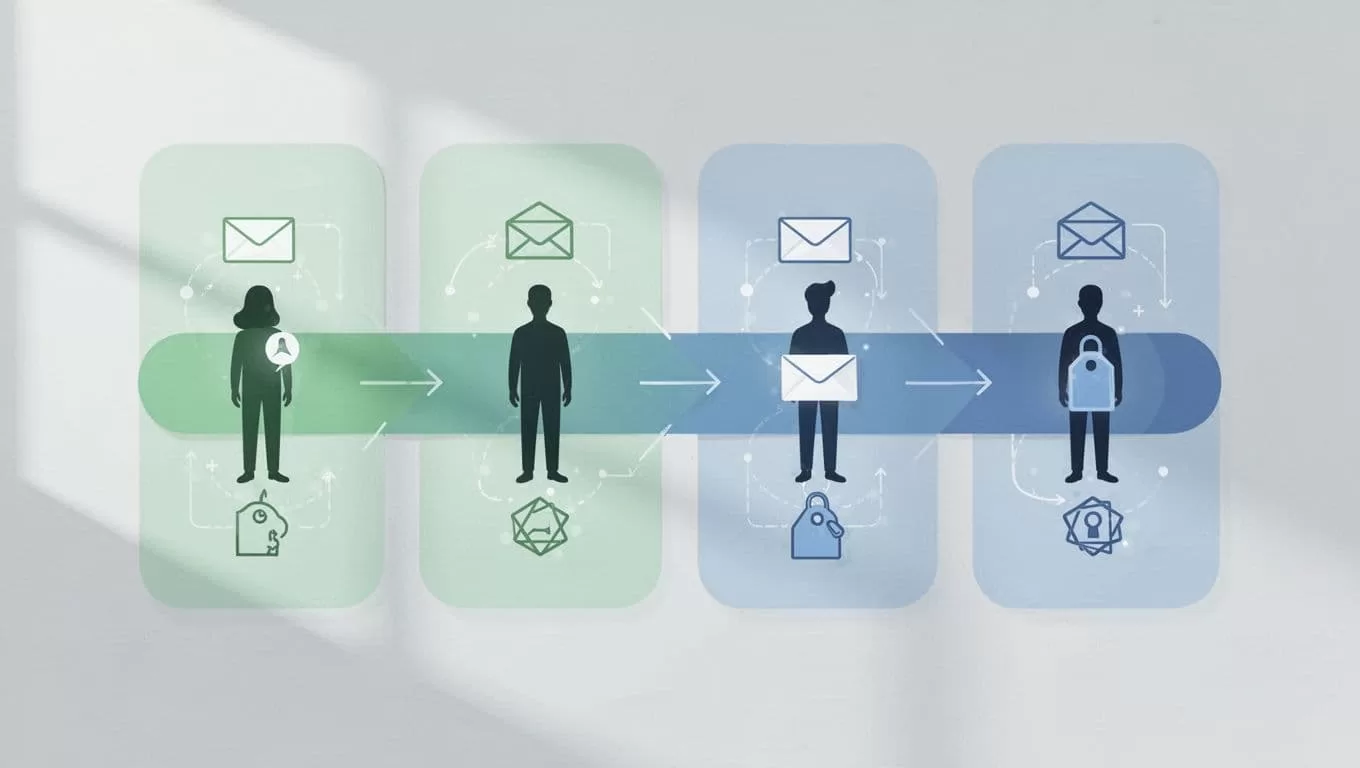
My stages are usually plain and direct: sourced, contacted, replied, screened, interviewing, offered, and nurtured. I don’t add extra steps unless the client really needs them. A clean pipeline is easier to scan, and it reduces drop-off.
I also keep one next action attached to each candidate. If they need a follow-up, I note it. If they need feedback, I note that too. If the role pauses, I move them back to nurture instead of deleting the record.
That is where ATS setup with Recruit CRM pays off. Once the pipeline is set, I can track passive prospects the same way I track active applicants. The difference is that I move more slowly and keep more context in the record.
I clean the database so the next search starts stronger
Passive sourcing only works if the database stays useful.
I review my pools on a set schedule. I remove duplicates, fix inconsistent tags, and archive records that no longer matter. I also revisit high-potential candidates who were not ready last quarter. Sometimes a “maybe later” becomes a perfect fit once the timing changes.
I keep notes tight. I use names, dates, role links, and next steps. That way, when I reopen a record, I don’t have to guess what happened.
When I do this well, Recruit CRM feels less like a storage box and more like a working map. I can see where talent is warm, where it cooled off, and where I should search next.
Conclusion
Passive candidate sourcing works best when every step feeds the next one. I start with a narrow profile, capture prospects fast, tag them well, and keep the follow-up human.
Recruit CRM helps me hold all of that in one place. When the pipeline stays clean, I spend less time rebuilding searches and more time having real conversations with people who fit.

