Bad emails kill outreach campaigns. You craft the perfect message, hit send, and watch bounces pile up. Your sender reputation suffers as a result. I’ve faced this too many times in sales work.
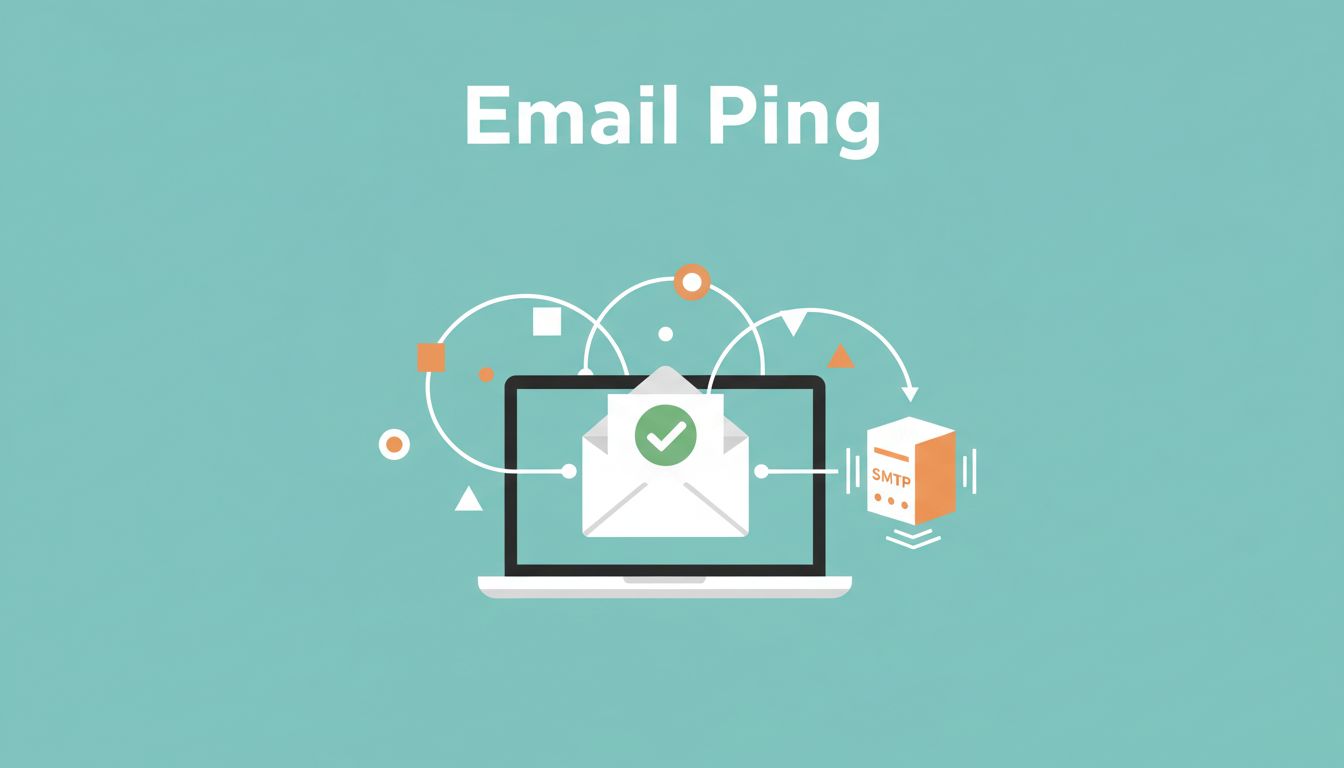
People often say “ping an email address” when they mean verify it. A ping checks if the server responds via SMTP. Full verification goes further with syntax, domain, and risk checks. Hunter.io handles both in one tool. It helps me cut bounces before they hurt.
In this guide, I share my exact process. You’ll learn steps, use cases, and tips that keep emails landing in inboxes.
What “Ping an Email Address” Means and Why It Matters
Sales teams chase leads daily. You find a name like john@acme.com. But is it real? A simple ping tests the SMTP server. It asks if the mailbox exists without sending a full email.
Hunter.io’s verifier does this plus more. It scans format first. Then it checks MX records. Next comes the SMTP ping for server response. Finally, it flags risks like disposable addresses.
This matters because bounces signal spam to providers. Gmail and Outlook watch closely. High rates push future emails to junk. I always ping before campaigns. It saves my domain reputation.
Full verification isn’t perfect. Some servers hide details. Accept-all domains accept anything. Still, Hunter reduces risks better than guesses. Their email verification guide explains the checks clearly.
In short, pinging confirms reachability. Verification builds trust in your list.
Hunter.io Features and Pricing for Email Pinging
I rely on Hunter.io for B2B outreach. The Email Verifier tool pings singles or bulk lists. Free users get 50 credits monthly. Each verify costs 0.5 credits on paid plans.
Paid tiers suit teams. Starter at $34 monthly (annual) gives 2,000 credits. Growth offers 10,000 for $104. Credits cover finding and verifying. Auto-verify kicks in on paid plans during domain searches.
Here’s the breakdown as of April 2026:
| Plan | Monthly (Annual) | Credits/Month | Best For |
|---|---|---|---|
| Free | $0 | 50 | Quick tests |
| Starter | $34 ($49 mo) | 2,000 | Solo sellers |
| Growth | $104 ($149 mo) | 10,000 | Small teams |
| Scale | $209 ($299 mo) | 25,000 | Growing ops |
Extra credits run cheap. I buy packs for big jobs. The API lets me ping programmatically. Bulk uploads handle CSVs fast.
For deeper setup, check Hunter’s how-to verify guide. It matches my workflow.
Step-by-Step: How I Ping an Email Address on Hunter.io
Start simple. I sign up free at hunter.io. No card needed. Credits reset monthly.
Go to the Email Verifier page. Paste one address like test@company.com. Hit verify. Results show in seconds: valid, invalid, accept-all, or unknown.

For bulk, upload a CSV. Map the email column. Run the job. Download results with statuses.
- Prep your list. Remove duplicates and fix typos.
- Upload to verifier.
- Review outputs. Valid means low risk. Invalid gets cut.
- Export clean list.
I ping during domain searches too. Enter a company site. Hunter finds patterns and pings matches. See my full Hunter.io email verification workflow for CSV tips.
API users POST to the endpoint. I script it in Python for automation. Response includes score and details.
This process takes minutes. Bounces drop under 2% for me.
Real-World Use Cases for Sales and Outreach Teams
Sales reps ping before first contact. I target IT directors at mid-size firms. Ping confirms addresses from LinkedIn. Then I personalize outreach.
Outreach teams clean old lists. I upload 1,000 contacts quarterly. Pings spot 10-15% invalids. Campaigns perform better after.

Recruiters check candidate emails. Partners verify press contacts. All reduce wasted sends.
For sequences, I integrate with CRMs. Learn more in my Hunter.io lead generation workflow.
Pinging fits any B2B flow. It sharpens focus on replies.
Best Practices for Email Deliverability After Pinging
Ping alone isn’t enough. I segment results. Valid goes to main campaigns. Accept-all gets small tests.
Warm domains slowly. Start with 50 sends daily. Ramp as opens rise.

Set SPF, DKIM, DMARC. Use dedicated subdomains for cold email.
Track bounces weekly. Re-ping unknowns. My guide to reducing cold email bounces covers this.
Keep volumes modest. Personalize subjects. These habits keep rates low.
Ethical Use and Staying Compliant
Ping public data only. Hunter pulls from open sources. Respect opt-outs always.
Follow CAN-SPAM or GDPR. Include unsubscribe links. Don’t buy lists; build your own.
I disclose outreach. Value matters over volume. This builds long-term trust.
Compliant pinging protects everyone. It sustains your pipeline.
Pinging emails with Hunter.io transformed my outreach. Bounces vanished. Replies climbed. Start with the free verifier today. Test a list and watch deliverability soar. What’s your biggest email headache?