How I Use Read Aloud Tools to Review Long Reports Faster
Long reports used to slow me down more than the work itself. I would reread the same paragraph, lose the thread, then go back again. Now I use read aloud tools for a serious first pass. Audio helps me catch awkward phrasing, repetition, mis...


Long reports used to slow me down more than the work itself. I would reread the same paragraph, lose the thread, then go back again.
Now I use read aloud tools for a serious first pass. Audio helps me catch awkward phrasing, repetition, missing words, and weak logic without staring at the page forever.
When I review a 30-page brief or a client update, I listen first and mark problems as I go. That one shift cuts my review time and keeps my attention steady.
My Go-To Read Aloud Tools for Long Reports
I keep my setup simple. I want a clean voice, clear text highlighting, and speed controls that don’t get in my way.
If I’m comparing options, I start with my shortlist of text-to-speech apps. I care less about fancy extras and more about whether the tool stays pleasant after 20 minutes.
My best tools all do three things well. They read PDFs or pasted text smoothly, they let me slow down on dense sections, and they don’t make me fight the interface. A tool can look polished and still waste time if it buries the play button.
I also like tools that remember where I left off. Long reports rarely fit into one sitting, so I need a tool that feels more like a useful assistant than a new project. On a busy week, I might use read aloud tools for sales decks, internal memos, and client deliverables. That mix keeps my eyes fresh and my focus sharper.


The Review Workflow I Follow Every Time
Before I press play, I skim the report for structure. I look at headings, charts, tables, and any section with a lot of numbers.
Then I run the full document at a modest speed, usually 1.25x or 1.5x. That pace feels close to a calm conversation, so I can hear where the writing drags.
Sometimes I listen at my desk. Other times I pace the room or walk outside. Movement keeps my attention from locking onto one bad paragraph.

- I scan the outline first, because I want to know where the important turns happen.
- I listen once without stopping, unless a line sounds clearly off.
- I replay dense sections, especially summaries, recommendations, and conclusions.
- I leave notes on anything repeated, vague, or out of order.
That routine saves me from the trap of reading every line with equal focus. Some parts deserve attention. Others only need a quick pass.
By the end, I have a document that is easier to scan and easier to defend. I am not trying to make every report shorter. I am trying to make every sentence earn its spot.
If I’m setting up a new tool fast, I follow the same practical habits I use in my Speechify AI text reader setup guide. I keep the voice steady, the layout uncluttered, and the first test short.
The Mistakes Audio Catches Better Than My Eyes
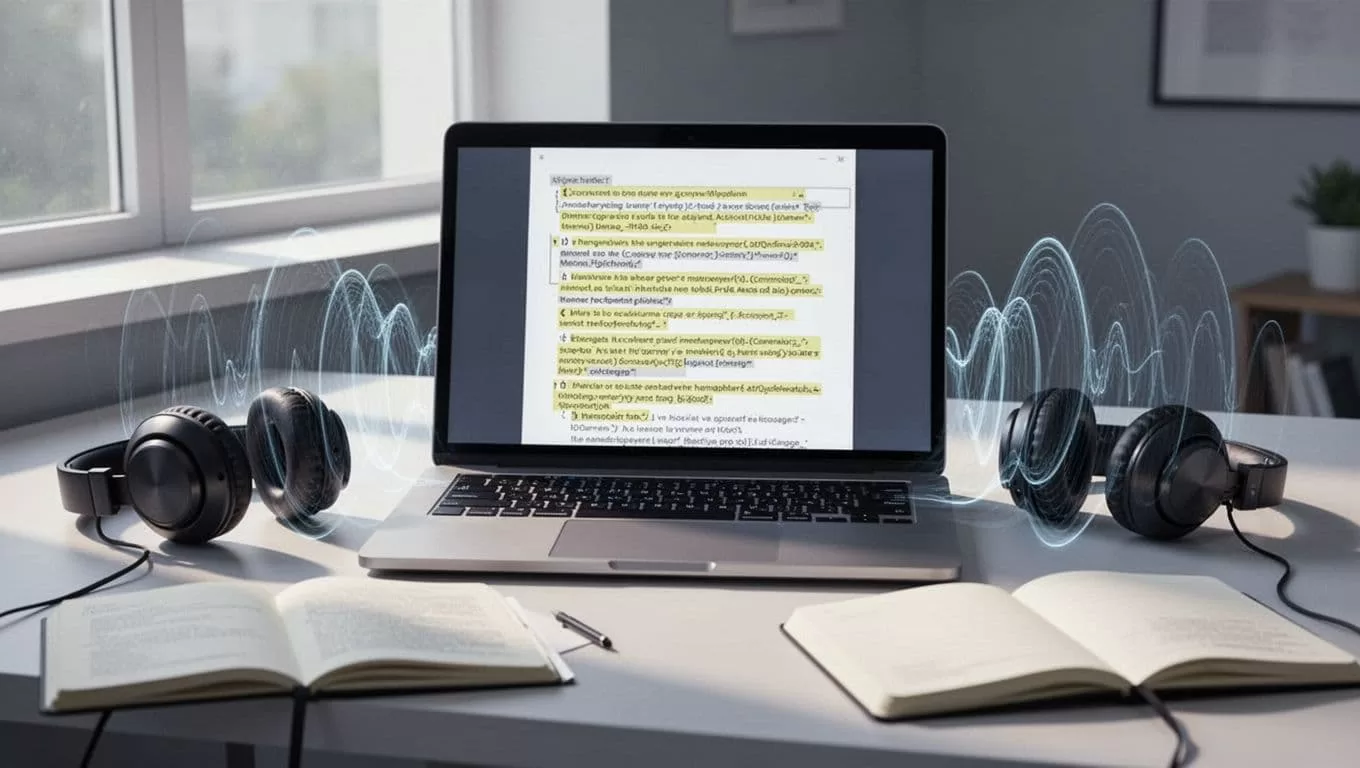
Audio is better than my eyes for one simple reason, it exposes rhythm. A sentence can look fine on screen and still sound wrong in my ears.
A clean-looking paragraph can still hide a doubled word, a missing article, or a sentence that rambles too long.
I hear repetition faster when I listen. If three sentences start the same way, the pattern becomes obvious. If a writer repeats a point with different words, the second pass sounds bloated right away.
I notice this most in business writing. A report can repeat the same conclusion in three different ways, and the audio version makes the padding obvious. It also exposes a strange jump between paragraphs, which often happens when someone pasted notes together and never smoothed them out.
Missing words also stand out. “The team approved report” sounds wrong the moment I hear it, even if I skim past it on screen. The same goes for clumsy transitions, awkward list items, and paragraphs that jump between ideas without a bridge.
This is where read aloud tools feel like a proofreader with better timing. They don’t replace judgment, but they do make weak writing easier to hear.
Playback Speed, Voice Settings, and the Limits of Audio
I change playback speed based on the job. For technical material or legal language, I stay near 1x. For familiar reports, I move up to 1.75x, sometimes 2x if the writing is plain.
For dense sections, I back off to 1x or 1.15x. For clean summaries, I go faster. I never jump to high speed on a first listen because then I stop hearing the shape of the report.
Voice choice matters too. I pick a neutral voice with crisp consonants, because mushy speech hides small mistakes. A smoother voice is nice, but clarity wins every time.
When I test a new tool, I want three things in the first minute, a clean file import, a voice that doesn’t sound robotic, and a speed slider that responds fast. If those are weak, I move on.
Still, listening alone is not enough. Tables, charts, footnotes, and source citations need a visual check. Numbers can sound smooth and still be wrong.
That’s why I don’t treat audio as the final step. I use it as a fast filter, then I spot-check the sections where precision matters most.
The Balance That Saves Me Time
I rely on read aloud tools because they slow my eyes down in the right places and speed them up everywhere else. That balance helps me review long reports without drifting off.
The biggest win is not just speed. It’s the moment I hear a sentence break, catch a repeat, or spot a missing word before it causes trouble.
I still read with my eyes, but I don’t do all the work that way anymore. Audio gives me a cleaner second pass, and that makes long reports feel much smaller.

