How To Share Wise Bank Details With Clients Safely
Sharing Wise bank details feels simple until a client asks for them by email, a payment thread gets forwarded, or the wrong currency details end up on an invoice. I treat those details like a key, because the wrong hands can turn a simple p...

Sharing Wise bank details feels simple until a client asks for them by email, a payment thread gets forwarded, or the wrong currency details end up on an invoice. I treat those details like a key, because the wrong hands can turn a simple payment into a mess.
The good news is that I only need to share a small set of fields, and I can keep the rest private. I also verify everything inside Wise before I send a single line to a client.
I start inside the exact Wise balance the client will pay
I never copy bank details from memory. I open the right currency balance first, because Wise can show different receiving details for different currencies. That matters for USD, GBP, EUR, CAD, and AUD.
When I’m setting up client payments, I lean on my Wise Business payments for overseas clients guide and Wise’s own help on how your Wise account details work. The app is my source of truth, not an old invoice or a saved note.

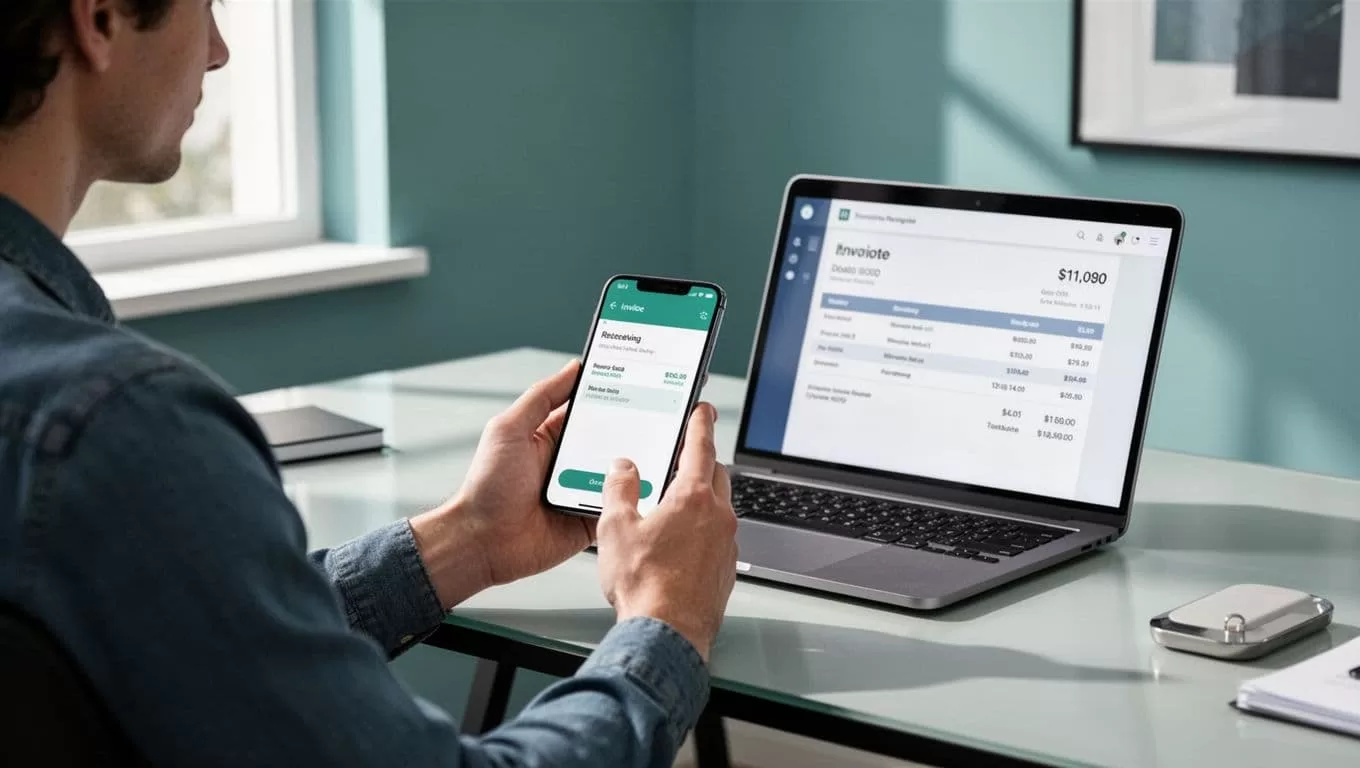
If I’m still missing business verification, I finish that first. My Wise Business verification guide helps me keep that step clean, so I don’t share details from a half-finished setup.
The details I share, and the ones I never send
I keep this part boring on purpose. I share only what a client needs to move money into the correct Wise balance.
I usually send the account holder name, the account number or IBAN, the sort code or routing number if that currency uses one, and a payment reference when the invoice needs it. Wise explains the same idea in its help article on receiving money to Wise account details.
If I wouldn’t be comfortable forwarding it in a messy email chain, I don’t send it.
Here’s how I separate safe details from private ones:
| Safe to share from Wise | Why I share it | Never share | Why I keep it private |
|---|---|---|---|
| Account holder name | It helps the client match the payment | Passwords or login email access | They can open the account if they get in |
| Wise bank details for the right currency | They route the transfer correctly | PINs, recovery codes, or 2FA codes | They can be used to take over the account |
| IBAN, sort code, routing number, or account number | They are the payment rails | Card PIN or card verification data | They can expose spending access |
| Payment reference | It helps me match the invoice | Screenshots with hidden extra info | They can reveal more than I mean to share |
The takeaway is simple. I share payment routes, not account control.
I share the details through a channel I trust
A clean detail set still needs a safe delivery path. I avoid casual chat threads when the message could be forwarded, mixed with other topics, or opened on a shared device.
Instead, I send details through a secure email thread, an invoice portal, or another channel I already trust with that client. I also confirm the client’s identity before I send anything new. If the request comes from an unusual address, I verify it through a known phone number or an old thread first.
Photo by REINER SCT
Invoice redirection fraud is one of the sneakiest problems I watch for. A fake reply can look polished, but it may quietly swap the bank details. So I slow down when a client says their account changed, or when a message sounds urgent.
I also like to keep payment threads tidy. For repeat clients, I use the same approved contact path every time, because consistency makes odd changes easier to spot.
Before every new client, I run a short scam check
A few small checks save me from big mistakes. I do them before the first payment, and again if anything changes.
- I confirm the client identity through a known email, number, or previous invoice thread.
- I compare the invoice name with the Wise account details I’m about to share.
- I check that the client wants the right currency, not a different balance.
- I watch for pressure words like urgent, updated, or final when they appear in a new message.
- I ask for a small test payment first if the amount is large or the client is brand new.
I also avoid sending details over public Wi-Fi when I can wait. That doesn’t solve every risk, but it keeps my routine calmer and cleaner.

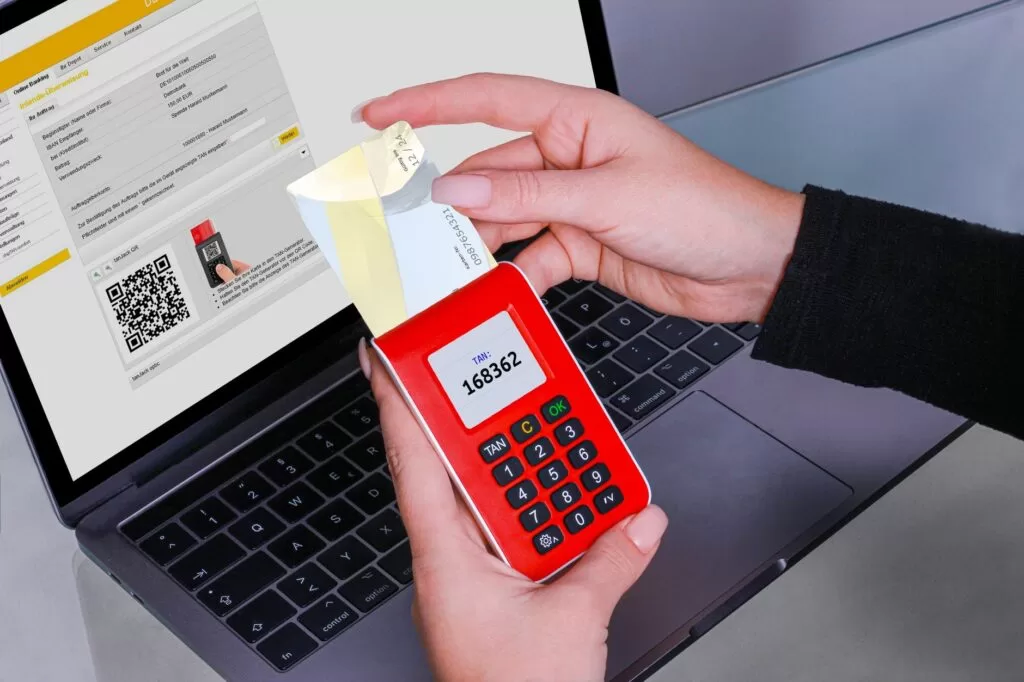
Photo by REINER SCT
Currency and reference fields can make or break the transfer
Wise details are currency-specific, so I never assume one set works for everything. GBP details are not the same as USD details, and the client needs the exact balance I want them to use.
When I work with UK clients, I double-check the details in my Wise GBP account guide for non-UK residents. That keeps me from copying the wrong sort code or account number into an invoice.
I also check the payment reference more than once. If the client sends money without the reference I asked for, I may still receive it, but matching the payment becomes slower. That’s why I keep the invoice number, client name, and currency together in one place before I send anything.
For recurring work, I keep a simple habit. I open Wise, confirm the right balance, copy the details fresh, and send them in the same trusted channel. That routine catches most mistakes before they happen.
I keep the process simple so it stays safe
The safest way I share Wise bank details is also the plainest one. I verify the details inside Wise, share only the payment fields a client needs, and keep passwords, codes, and login access private.
When I slow down for one minute, I avoid most of the problems that come from rushed invoices and fake payment changes. That small pause is usually enough to keep the money path clear, and my account untouched.

