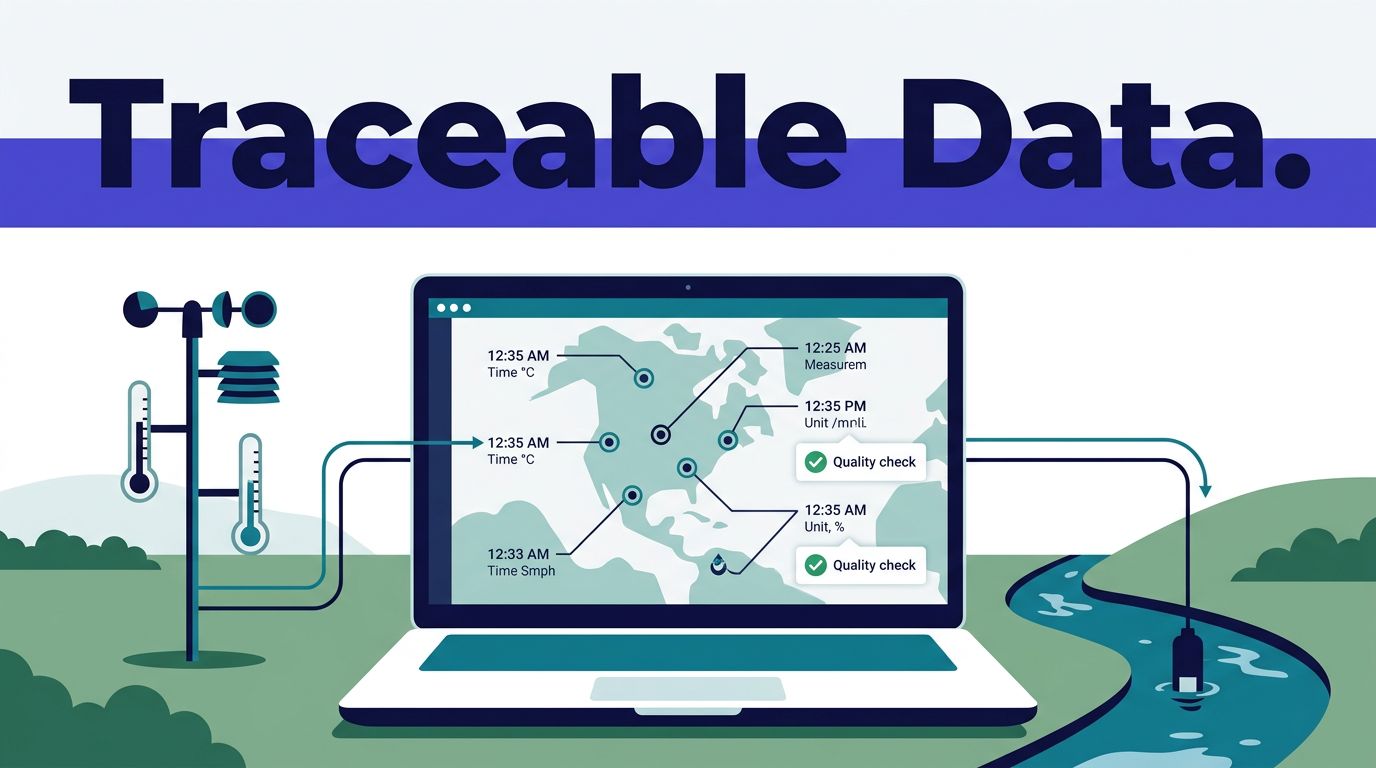
Environmental data scraping fails when a workflow returns a plausible number without its source, unit, observation time, or quality flag. The goal of environmental data scraping on Twin.so is a traceable dataset that another person can validate and rerun.
Twin.so’s public product material describes extraction from public and login-protected sites, browser automation, and API-connected workflows. Use those capabilities for collection, but keep schema rules, source rights, validation, and storage under your control. Start with the data contract, then build a small approved run before adding schedules.
DEFINE THE DATA CONTRACT BEFORE COLLECTION
A scraper should not decide what your dataset means while it runs. Define the output fields first.
Set fields, types, and empty states
Create a record structure that fits the environmental question. A monitoring record may need:
- A source name, source record ID, station ID, or grid-cell ID.
- The parameter, raw value, normalized value, and unit.
- Observation time, source timezone or offset, and collection timestamp.
- Latitude, longitude, geometry, and coordinate reference system.
- A quality flag, detection-limit qualifier, or estimated-value indicator.
- The source URL, file name, API request identifier, or page reference.
- The extraction method, workflow run ID, content hash, license status, and validation result.
Define accepted values before asking Twin.so to extract data. For example, use a fixed list for measurement types and quality flags. Define whether an empty field should be null, “not reported,” or an exception.
Don’t let the workflow convert an unknown value into a clean-looking number. A missing reading is not zero. A page that fails to load is not evidence that the source has no records.
Separate environmental source types
Environmental datasets often look similar while measuring different things. EPA AirData contains monitored outdoor air-quality data, including hourly, daily, and annual concentrations, AQI, and speciated particle data. It covers monitors across the United States, Puerto Rico, and the U.S. Virgin Islands. Use the EPA AirData documentation to confirm the selected product and update pattern.
Air-quality measurements are not emissions inventories. If your project needs facility-level emissions, use the applicable EPA emissions inventory source instead of treating AirData as an emissions database.
Water-quality work may combine records from USGS, EPA, and state or local agencies. The USGS Water Data APIs provide a current machine-readable access point, while the Water Quality Portal uses standardized exchange structures such as WQX3.0. Satellite observations can use grid cells or raster products rather than monitoring stations. NASA’s Earthdata air-quality data is a useful reference for understanding that distinction.
Weather data also requires a defined product. Station observations, forecasts, radar products, and gridded climate data should not share one unqualified schema.
BUILD AN ENVIRONMENTAL DATA SCRAPING WORKFLOW IN TWIN.SO
Twin.so is most useful when the collection task has a narrow source, a known output, and explicit failure rules. A broad instruction such as “collect the latest environmental data” leaves too many decisions to the agent.
Use APIs first, then browser automation
Choose an approved API when it provides the fields, history, and rate limits your project needs. API retrieval is usually easier to test and repeat. It also gives you a clearer request record and a more stable response structure.
Use Twin’s browser agent when the required information exists in a dynamic page, authenticated portal, downloadable file area, or system without a suitable API. Twin describes browser automation for navigating pages, filling forms, and taking actions. Its public product page also describes extracting data from login-protected sites.
Access permission still matters. A person being allowed to view a portal doesn’t automatically authorize an automated workflow. Obtain approval for the account, destination, date range, and permitted actions.
The exact workflow controls, destination options, credentials process, and trigger settings can vary by Twin.so plan and interface. Confirm the current options in your workspace. Don’t document an endpoint, integration, or UI label unless it is available to your account.
Write instructions around fields and evidence
Build the workflow in this order:
- Identify the approved source and the exact page, file, query, or API product to use.
- State the date range, geographic filter, parameter list, and pagination rules.
- List every field to return, including its type, unit, and accepted empty value.
- Tell Twin.so to preserve raw values and source references beside normalized values.
- Define what to skip, such as advertisements, duplicate pages, unrelated parameters, or records outside the date range.
- State what to do when a page fails, a field is absent, a login expires, or the response format changes.
- Send output to the approved destination and write a run report with counts, failures, and exceptions.
For a weather source, state whether you need observations or forecasts. For air quality, distinguish pollutant concentration from AQI. For water quality, preserve the sampling method and agency source. For satellite data, record the product name, acquisition time, spatial resolution, and grid or projection details when the source provides them.
Test a small sample before production
Run 20 to 50 records first. Review them manually against the source. Check the complete page or response, not only the extracted value.
Test pagination, date filters, duplicate records, missing fields, old files, and unexpected units. Run the same sample twice. The second run should not create duplicate rows or overwrite a newer value with an older one.
Use report-only mode before allowing updates to a production database or reporting table. Let the workflow propose records and changes first. Compare them with known results. Fix the instructions and validation rules before expanding the batch.
NORMALIZE UNITS, TIME, AND LOCATION
Normalization makes records comparable. It must not hide the original observation.
Preserve raw values and convert deliberately
Keep the source value and source unit beside the normalized value and target unit. Common examples include micrograms per cubic meter for air pollutants, milligrams per liter for water measurements, parts per million, degrees Celsius, millimeters of precipitation, and meters for elevation.
Don’t apply a universal conversion rule to every field. A temperature conversion is different from a concentration conversion. A pollutant value may also include a method, averaging period, or detection-limit qualifier that changes its meaning.
Record the averaging period. An hourly concentration, daily mean, annual mean, and forecast value are not interchangeable. Store the source parameter name and map it to an internal name in a separate field.
Use a stable missing-value policy. Keep null for unavailable data unless the source defines another code.
A zero is a measurement. A null is an absence of a measurement. Never use one as the other.
Separate observation time from collection time
Store the time the environmental event occurred and the time Twin.so retrieved it. They answer different questions.
An hourly air-quality record may describe an observation at a local monitor time. Your workflow may retrieve it several hours later in UTC. Preserve the source timezone or offset, then create a normalized UTC timestamp if your system requires one. Keep the original timestamp for review.
Location needs the same discipline. Record whether coordinates describe a monitor, facility, sample site, satellite pixel, or grid centroid. Store the coordinate reference system or EPSG code when available. Don’t assume every latitude and longitude uses WGS84, and don’t reduce a projected raster to a point without recording the transformation.
For emissions data, keep the facility identifier and reporting period. For water data, retain the agency, sampling site, collection method, and laboratory or field qualifier when provided. For satellite observations, preserve the product version and acquisition timestamp.
VALIDATE, RETRY, AND KEEP A LINEAGE RECORD
A successful Twin.so run only proves that the workflow completed. It doesn’t prove that the dataset is complete or correct.
Add field-level quality gates
Validate each record before it reaches the final destination. Check that required identifiers exist, timestamps parse correctly, units are allowed for the parameter, and coordinates fall within valid geographic ranges.
Use parameter-specific rules. Negative temperatures can be valid. A negative concentration may indicate a source code, processing result, or bad record. A pH value needs a different validation rule from rainfall. Store the source qualifier instead of deleting a value that needs scientific review.
Compare each run with the previous run. Alert on unexpected changes in record count, date coverage, missing-field rate, duplicate rate, failed pages, or source categories. A sudden empty result may indicate a broken filter or blocked request, not a change in environmental conditions.
Keep raw responses or approved source files when licensing and storage rules allow. Store the normalized record separately. Add a hash for files or page content when you need to detect changes without comparing every field.
Make retries safe and repeatable
Browser workflows need state-based waits. Tell the agent to wait for visible page evidence, such as a loaded table or completed download, instead of relying only on fixed delays. Use retries for temporary failures, with a limit and backoff.
Checkpoints help long workflows resume without repeating completed actions. Useful points include after authentication, after filters are applied, after each page or file is processed, and before records are written. Twin’s gated scraping guidance discusses checkpoints, session handling, retries, progress saving, and exception evidence.
Create an idempotent record key. A practical key may combine the source, station or site ID, observation timestamp, parameter, and product version. Use a source record ID when one exists. Retries should update the same record or create a controlled revision, not produce a second copy.
Every run should produce an audit record with the workflow ID, run ID, start and finish times, source reference, records attempted, accepted, skipped, failed, and manually reviewed.
SCHEDULE AND GOVERN THE PIPELINE
A recurring workflow should follow the source’s update cycle. It shouldn’t run every hour because the business team wants fresh data if the source file changes twice a year.
Match triggers to source cadence
Twin.so public pricing information lists scheduled agents, time triggers, and webhooks. Use a schedule for predictable source updates. Use a webhook when another approved system can signal that a new file or record is ready.
Separate collection from publishing. The collection step can download or extract records. The validation step can reject incomplete batches. The publishing step can update the database or report only after quality checks pass. A failed validation should create an exception, not replace the last trusted dataset with an empty result.
EPA’s pre-generated AirData files are described as being refreshed twice yearly. If you use those files, schedule retrieval around that cadence. A different AirData query or live source may have different update behavior, so record the product and confirm its current refresh rules.
Twin.so uses credits, and actual usage depends on browser actions, searches, API calls, retries, and generated output. Public pricing examples place a simple automation around 15 to 30 credits, a 100-item scraping job around 20 to 70 credits, and a browser session of about 20 steps around 100 to 200 credits.
Benchmark a small approved batch. Calculate:
credits consumed / records accepted after validation
Track review minutes, retries, duplicate decisions, and correction work with that number. Repeat runs may cost less than initial workflow building, but your own source and browser complexity should control the forecast.
Protect access and review before scale
Use the minimum account permissions needed for the task. Keep credentials in the approved secret-management process. Never place passwords, session tokens, or personal data in prompts, spreadsheets, or run logs.
Review the source terms, privacy notice, robots rules, rate limits, licenses, and contractual restrictions. Don’t bypass paywalls, access controls, CAPTCHA systems, or anti-bot controls. Twin.so’s ability to reach a page doesn’t make the collection lawful or GDPR compliant.
Remove personal information when the environmental question doesn’t need it. Define retention periods for raw pages, source files, normalized records, failed runs, and exports. If the data will enter an external model or training pipeline, confirm reuse rights before sending it.
Deploy in stages. Start with report-only output, review a limited batch, test duplicate runs, then enable updates and scheduling. Monitor completeness, validation errors, failed runs, cost per accepted record, and exception resolution time. If the workflow spans several systems or needs approval mapping, Book A Call before committing to a larger rollout.
CONCLUSION
Reliable environmental data scraping on Twin.so depends on rules, not browser access alone. Define the schema, use APIs when they fit, reserve browser automation for authorized tasks, and preserve raw values with source, unit, timestamp, location, and license information.
Validate every batch before publishing it. Make retries idempotent, route uncertain records to review, and measure cost per accepted record instead of cost per run. The result is a dataset your research, GIS, sustainability, or reporting team can trust and reproduce.