Practical Guide: Build A Volunteer Management Bot On Twin.so
Managing volunteer applications and shift schedules manually drains hours from community coordinators every single week. When new sign-ups flood in during seasonal campaigns, keeping track of availability, contact details, and shift prefere...
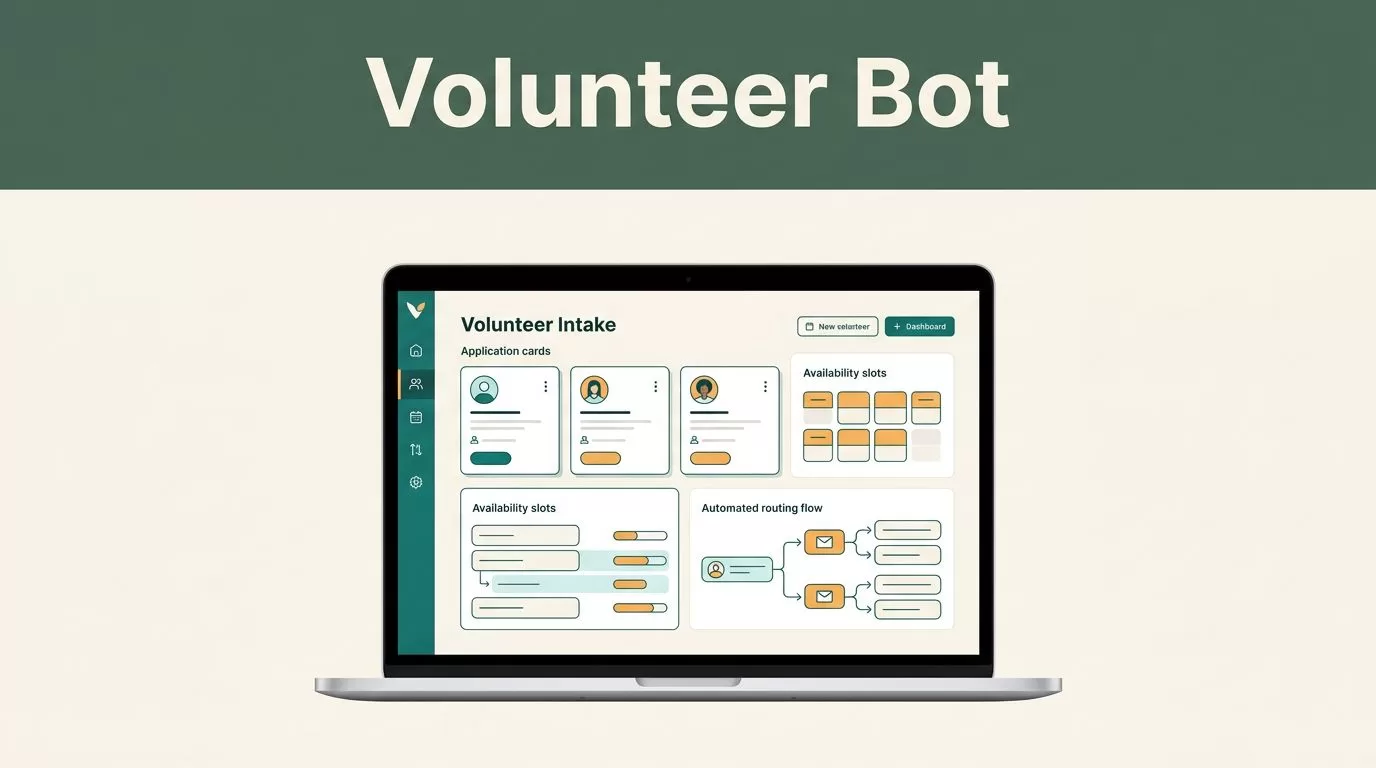
Managing volunteer applications and shift schedules manually drains hours from community coordinators every single week. When new sign-ups flood in during seasonal campaigns, keeping track of availability, contact details, and shift preferences becomes an operational bottleneck. You need an automated system that handles intake without manual spreadsheet data entry.
Deploying a custom volunteer management bot eliminates that administrative drag and keeps your community pipeline running smoothly. Setting up this automation on Twin requires a clear operational plan from intake triggers to database routing.

Mapping Volunteer Workflows and Trigger Conditions
Every automation project starts by defining where your data originates and where it needs to go. Volunteers typically register through web forms, email inquiries, or direct messaging apps. You must map these ingestion points before configuring your agent in Twin. To understand the broader impact of this shift, review volunteer management automation strategies to calculate your potential time savings and map your intake volume accurately.
Twin relies on plain-English agent creation combined with specific triggers. You can configure your agent to activate via webhook events when a new form submission lands, run on a fixed schedule to pull pending applications, or process incoming inquiries through messaging integrations. Write out your required input parameters clearly before you begin building. If your intake form collects legal names, email addresses, emergency phone numbers, and weekly availability hours, list those exact fields in your initial prompt configuration. Defining these variables early prevents parsing errors when raw data flows into your system.
Configuring API Integrations Versus Browser Automation
Connecting your agent to external software requires understanding the difference between native API endpoints and fallback web scrapers. When you connect modern cloud databases, calendars, or messaging tools, Twin uses direct API integrations to read and write data instantly. For tools that lack public APIs, Twin deploys browser automation agents that log into legacy portals, fill out web forms, and retrieve records just like a human operator.
To keep your database clean, evaluate core operational requirements by studying software features for volunteer tracking. When working inside Twin, you select your required applications from the integrated ecosystem or configure custom webhook endpoints. Direct API connections handle heavy data loads reliably, while browser agents serve as dependable bridges for older administrative systems that refuse to sync through standard channels. Always test your chosen connection method with a handful of test records to verify that data maps correctly across platforms without truncation or formatting loss.

Designing Your Volunteer Management Bot Logic
Building the core decision logic inside Twin means translating your manual sorting rules into structured instructions. You write out the operational steps in plain English so the agent knows how to categorize incoming applicant profiles without ambiguity. For instance, you instruct the agent to check if a volunteer’s preferred hours match open shift slots stored in your central scheduling calendar.
If a match occurs, the agent writes the record to your database and dispatches a confirmation message. If a scheduling conflict arises, it flags the profile for manual review by a human coordinator. For deeper architectural ideas, examine nonprofit volunteer management software guides to structure your data fields effectively. Your instructions must cover edge cases, such as incomplete contact details, conflicting time zones, or duplicate form submissions, to prevent broken workflows during peak recruitment drives.
Managing Data Privacy and Security Protocols
Handling personal data requires strict adherence to privacy standards and data protection rules. Volunteers entrust your organization with sensitive information, including personal phone numbers, home addresses, and occasionally background check documentation. You must configure your Twin workspace with secure credential storage and restrict user access levels strictly to authorized administrative coordinators.
Never store unencrypted personal identifiers in plaintext logs or accessible public channels. When your agent passes data between your intake form and your secure database, verify that API tokens use bank-level encryption. Reviewing essential criteria via volunteer management software features helps you identify potential security gaps before deploying your bot to live production environments. Establishing clear data retention policies also allows your organization to remove inactive volunteer records according to local compliance mandates.
Testing and Deploying Your Volunteer Management Bot
Testing your volunteer management bot before public launch prevents embarrassing messaging errors and lost applicant records. Run simulated sign-up test runs using dummy contact profiles to verify that data routes correctly into your destination database. Check that automated welcome messages trigger immediately and that scheduling conflicts route properly to human staff members.
Once your test runs return clean data across all connected channels, flip your agent trigger from staging mode to active production. Schedule weekly audit reviews to check error logs, update expired API tokens, and adjust your plain-English prompts as your organization’s scheduling rules evolve over time. Regular maintenance guarantees your automated pipelines run without unexpected interruptions.
Conclusion
Automating your community intake pipelines removes tedious administrative bottlenecks from daily operations. By combining plain-English agent configuration in Twin with secure database routing, you build a reliable system that scales with your organization. Deploy your first intake trigger today, configure your data validation rules, and let your new volunteer management bot handle the heavy lifting of scheduling and coordination.
