How I Deploy End-to-End Testing on Twin.so
An end-to-end test that stays on my laptop does not protect a release. I want the same flow running in staging, with the same login, the same page path, and the same final check. Twin.so gives me a way to turn that path into an agent. I wri...
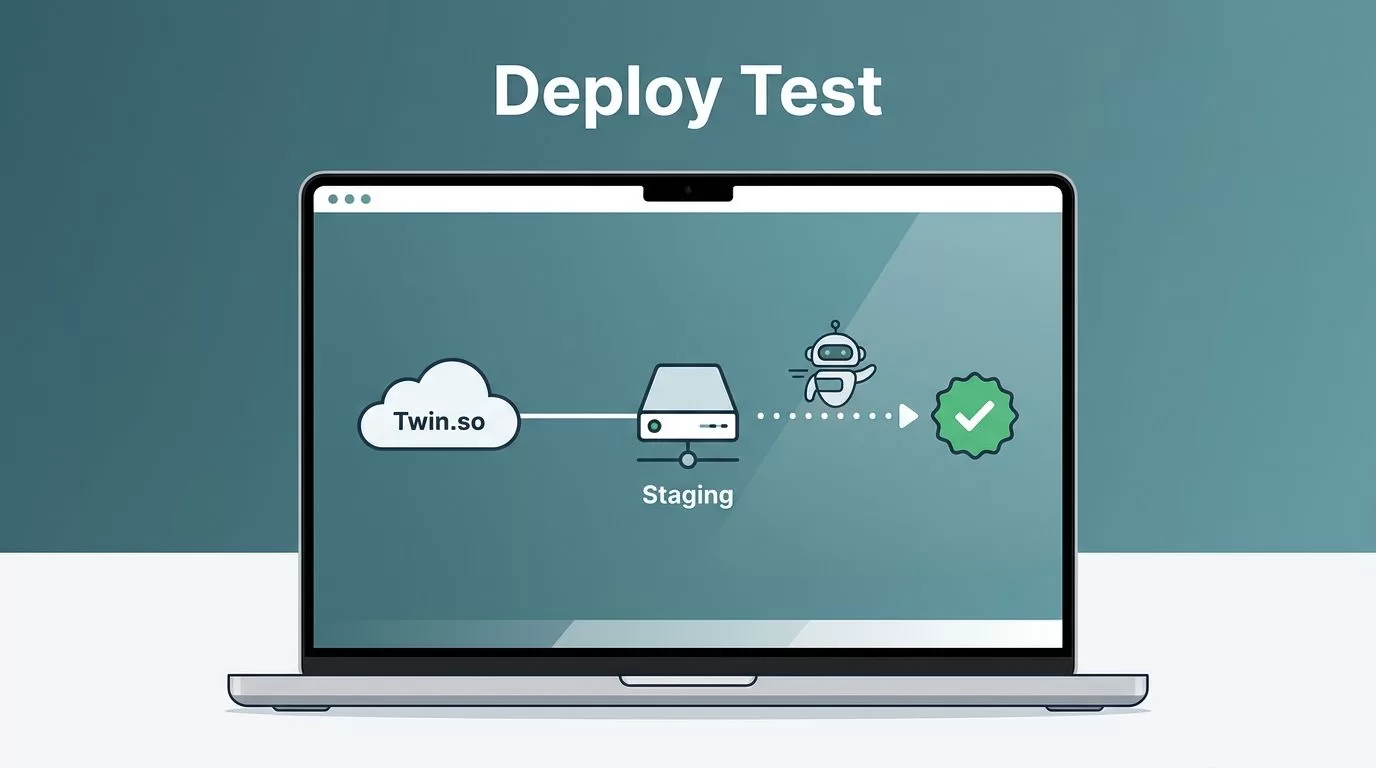
An end-to-end test that stays on my laptop does not protect a release. I want the same flow running in staging, with the same login, the same page path, and the same final check.
Twin.so gives me a way to turn that path into an agent. I write the goal in plain language, connect the systems it needs, and run it on a trigger that matches my deploy rhythm. I start with the pieces that make the first run honest.
What I prepare before Twin.so sees the first test
Before I touch Twin.so, I lock down the test path. I use a staging URL, a dedicated test account, and seed data that will not disappear halfway through the run. If the flow needs email, OTP, or payments, I set up sandbox versions first. I also write down the proof I expect, such as a record ID, a confirmation page, or a Slack message.
I also check the browser setup. The page should load with the same cookies, time zone, and permissions the agent will see. A test that only works on my own browser is too fragile to trust. If I need a browser-first model, I keep Playwright’s end-to-end testing docs nearby. When analytics matter, I line up the event names with my GA4 integration guide so the run and the report tell the same story.

How I turn a test plan into a Twin.so agent
Twin.so is an AI agent builder, so I start with the goal, not the stack. I describe the flow in plain English: open the app, log in, create the record, verify the result, then report back. If the app has an API, I use it. If it does not, I let Twin.so use its browser agent to click, scroll, and extract the result like a person would.
The trigger matters just as much as the steps. I use a manual trigger for the first run, a schedule for nightly smoke checks, and a webhook when the test should fire after CI. Slack or email works well when I want the result where the team already works. The setup feels similar to my fast no-code A/B testing deployment process, because both depend on a narrow goal and a clean finish.
“Open the staging app, sign in with the test account, create a new order, check the confirmation page, and send the result to Slack.”
I keep the prompt short. Extra detail hides the break point. I also split long flows when login and checkout need different failure handling. When I need a broader frame for test structure, I compare the flow with Leapwork’s end-to-end testing guide, because the same core idea still applies, define the path and verify the result.
My first run, triggers, and pass or fail signals
I run the first deployment in staging, never on production. A manual launch gives me cleaner logs and a faster way to spot where the path breaks. If the first pass succeeds, I rerun it with fresh data before I wire it to a schedule.
Success means more than a green badge. I want the page to load, the action to complete, and the final state to match what I expect. If the agent writes to a database, I check the row. If it sends mail, I inspect the inbox. If it emits an event, I confirm the payload and the test tag. I also archive the run output, because a one-line success message is not enough when someone asks what happened later.
Before I call the run done, I check:
- The agent finished without retries.
- The expected screen or record appeared.
- The notification landed in Slack or email.
- The run works again with fresh seed data.
That kind of post-deploy proof matters because it shows the test can survive a second pass. It also keeps me honest when the app changes next week.
When the deployment breaks, I check these points first
When a deployment fails, I check the usual suspects first. Expired sessions, brittle selectors, slow email delivery, and stale fixtures cause most problems. If the agent stalls after login, I shorten the path and add one checkpoint. If a selector fails, I switch to a stable hook like a data-testid or a fixed label. If timing drifts, I add a slower wait only where the page needs it.
Third-party steps need more care. MFA, rate limits, and inbox delays can turn a clean flow into noise. I use sandbox accounts, separate inboxes, and trigger windows that avoid peak traffic. When the browser agent works one day and fails the next, I assume the page changed before I blame the workflow.
I also watch for state drift. A test can pass with one record and fail with the next if the seed data changes. That is why I keep the setup small and repeatable. A reliable e2e test should feel like a well-marked trail, not a scavenger hunt.
How I keep the workflow easy to maintain
I keep the agent easy to read. The prompt lives with the release notes, and the naming stays close to the app flow. If the team changes a button label or a checkout step, I update the agent at the same time. That keeps the test from drifting into old language.
I also keep the alert path simple. One Slack channel or one inbox is enough for a single flow. If I split the flow across too many alerts, I lose the signal fast. Clean ownership helps too, because someone has to decide when a failure is a real release block and when it is a flaky page state.
Finally, I review the flow after each deploy window. A short review catches stale credentials, renamed fields, and dead triggers before they pile up.
Conclusion
The strongest Twin.so runs are the ones I barely notice after launch. They start with a tight scope, use the right trigger, and report failure in plain language.
That is what makes e2e testing on Twin.so useful to me. It turns a messy release check into a repeatable job I can trust after each deploy.
If the test is honest in staging, it usually stays honest when the app changes next week.
